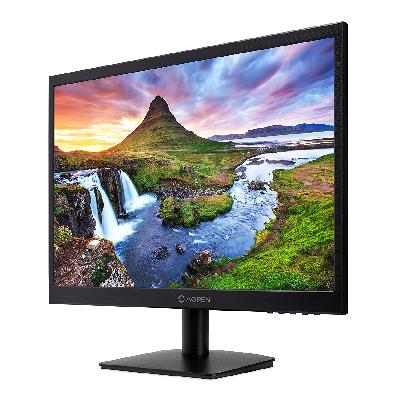
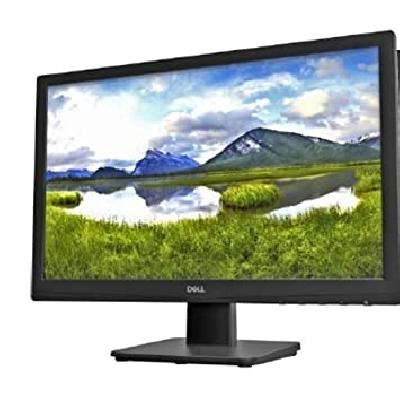
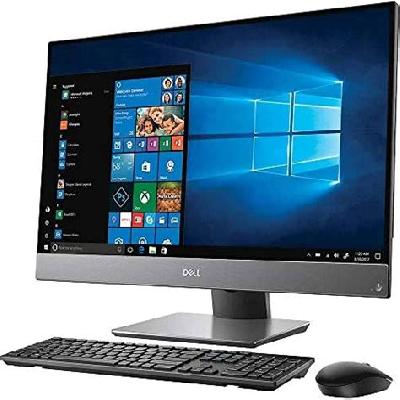
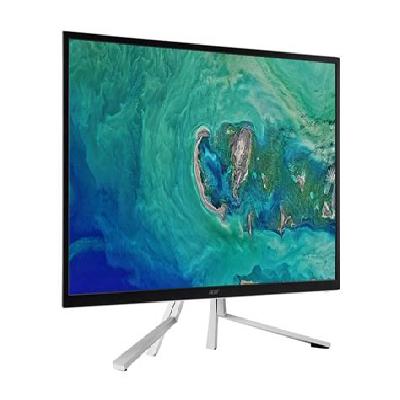
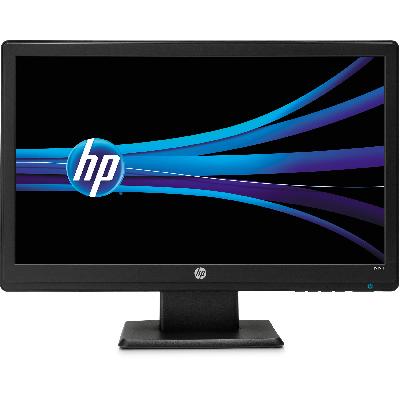
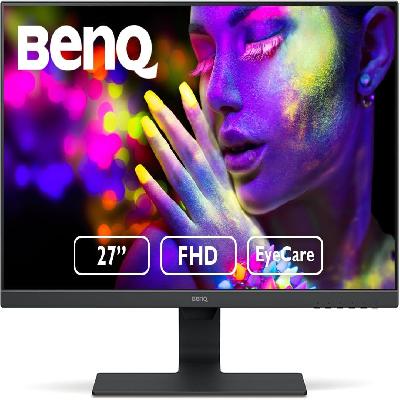
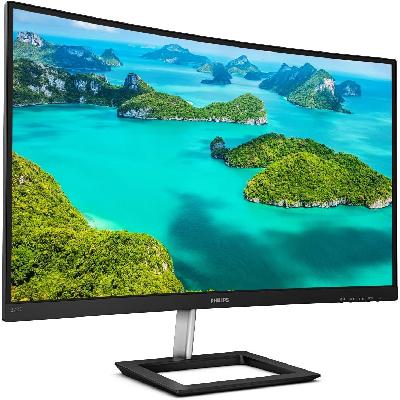
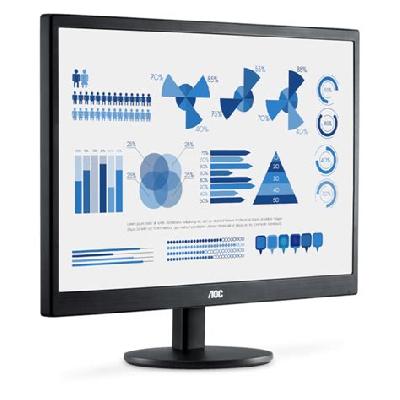
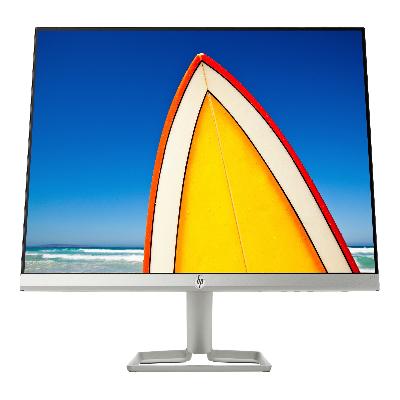
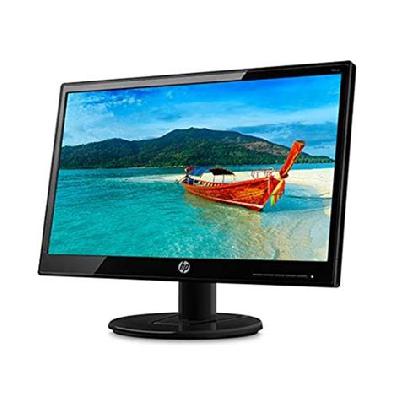
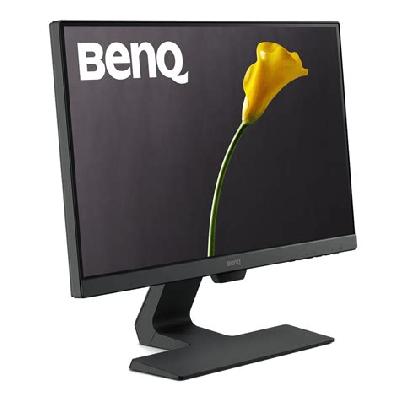
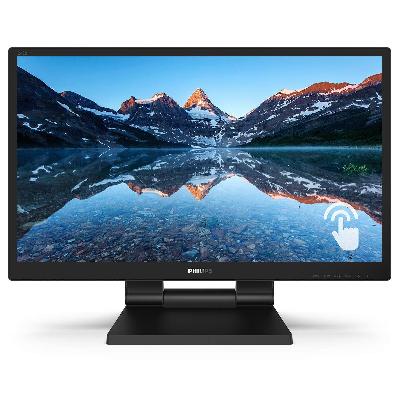
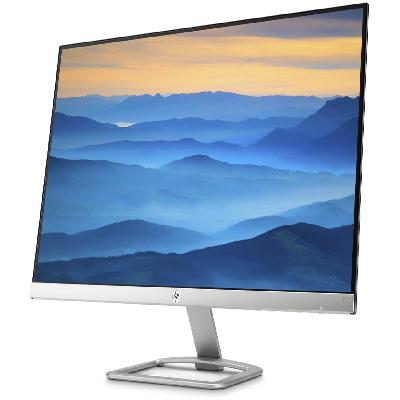
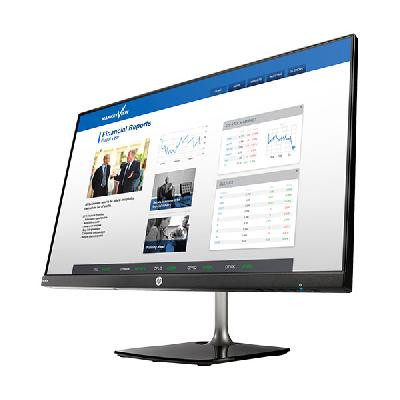
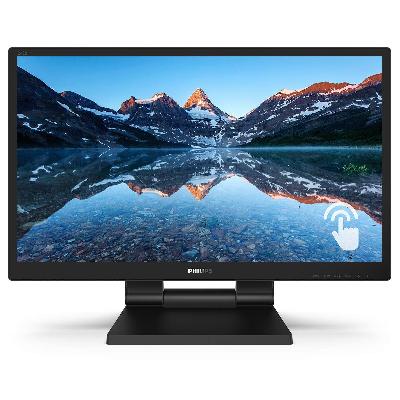
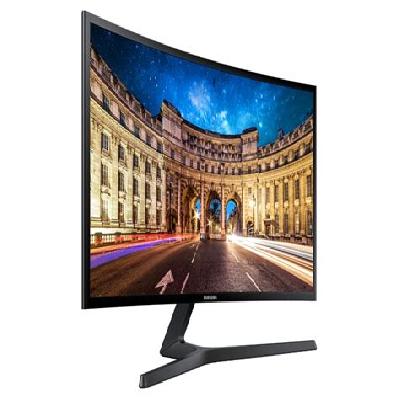
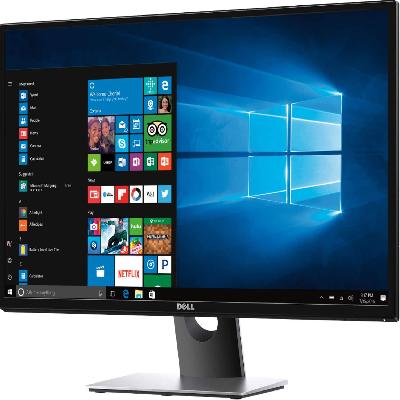
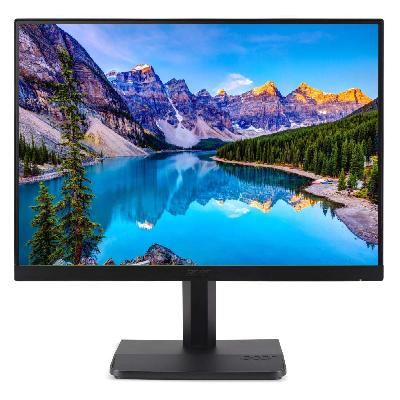
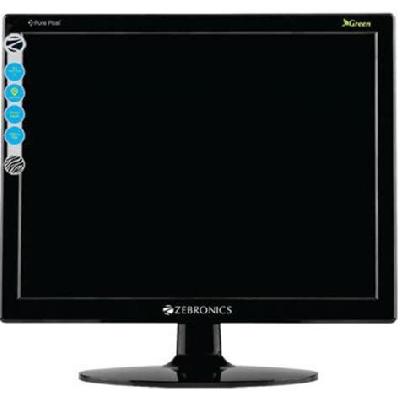
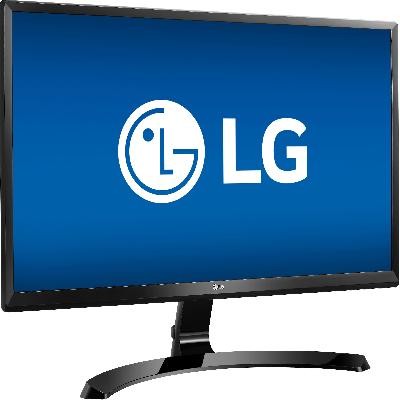
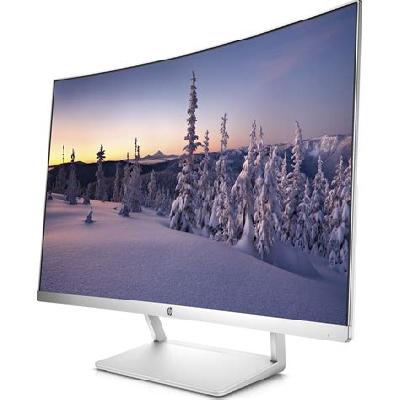
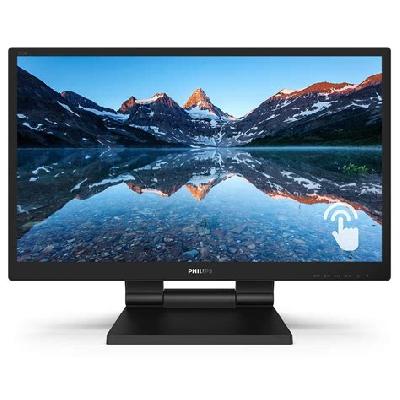
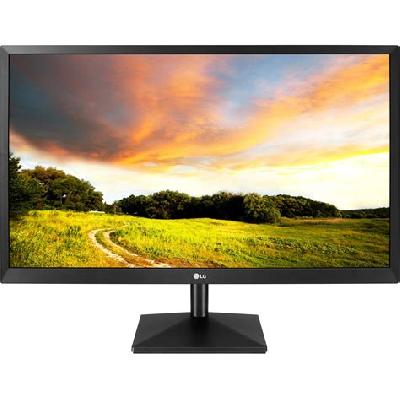
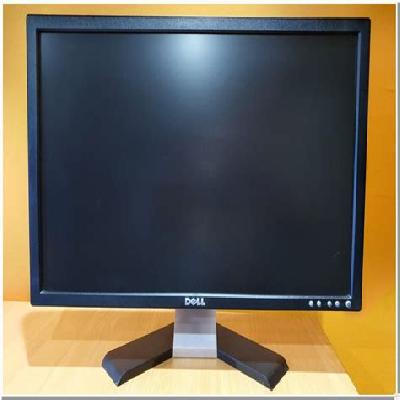
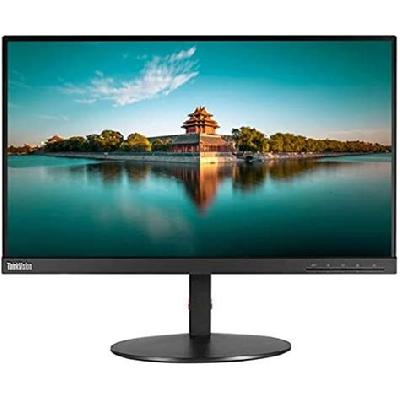
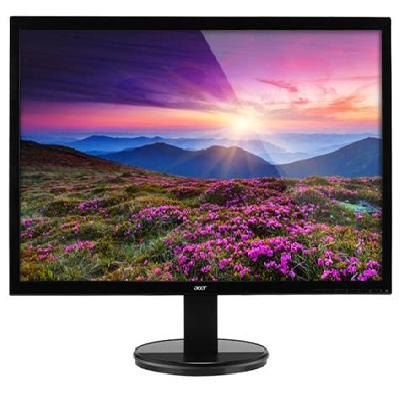
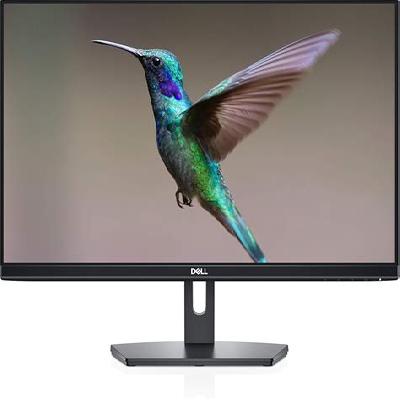
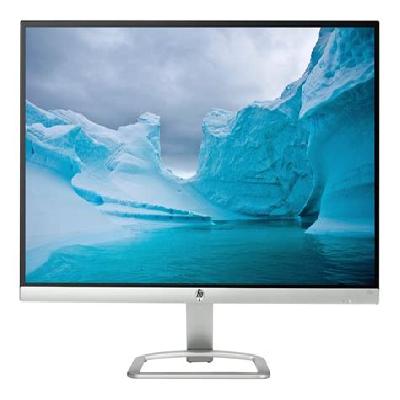
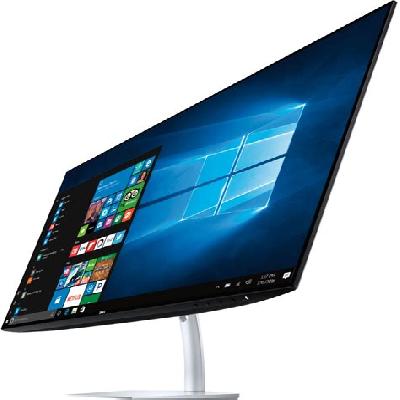
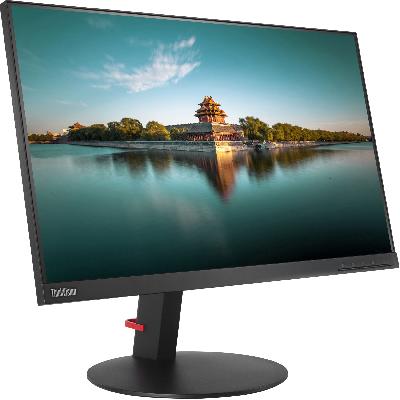
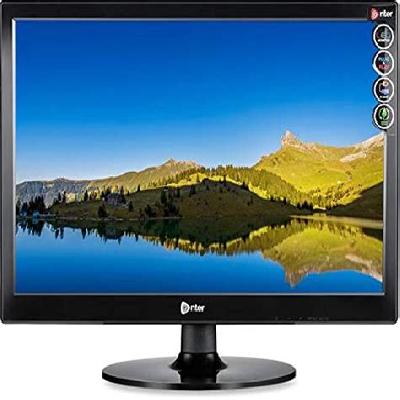
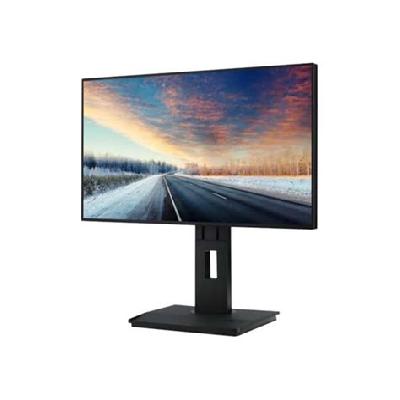
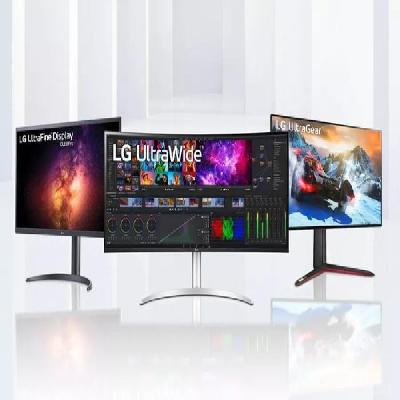
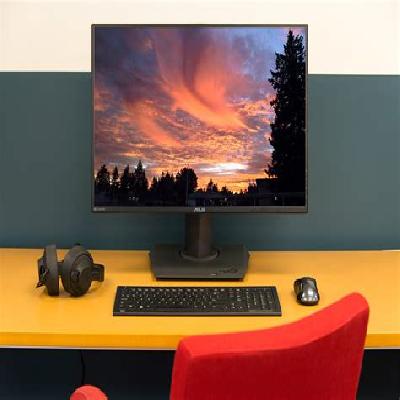
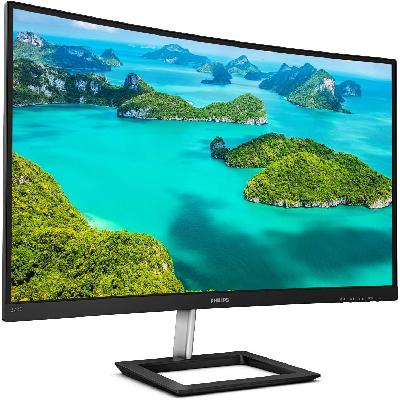
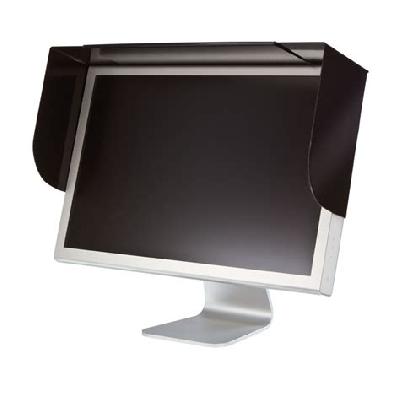
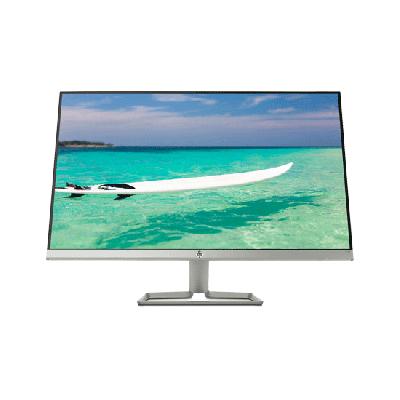
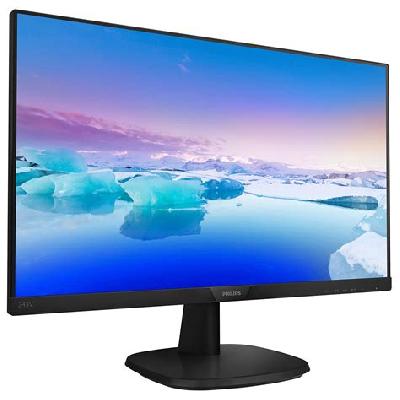
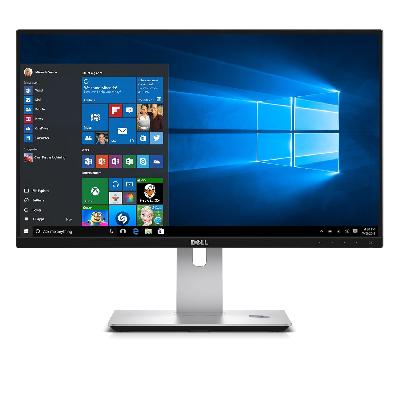
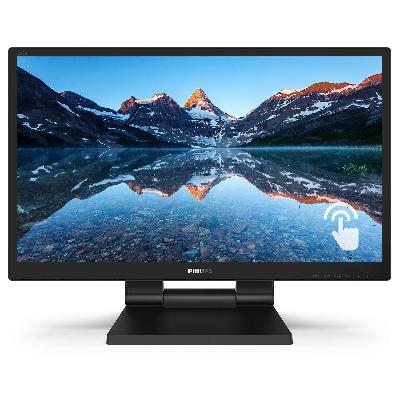
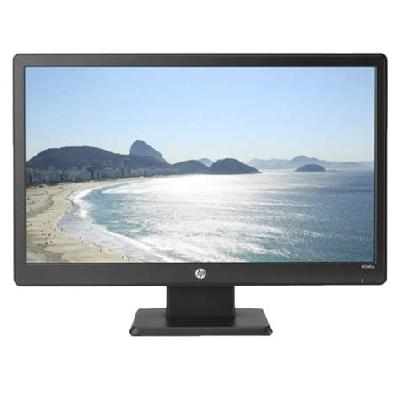
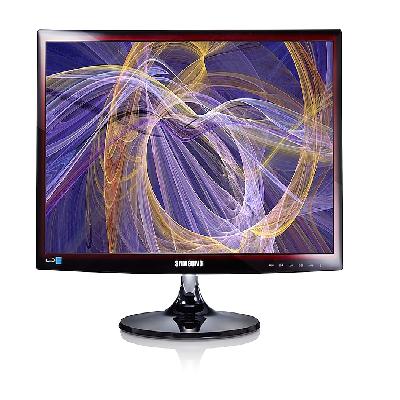
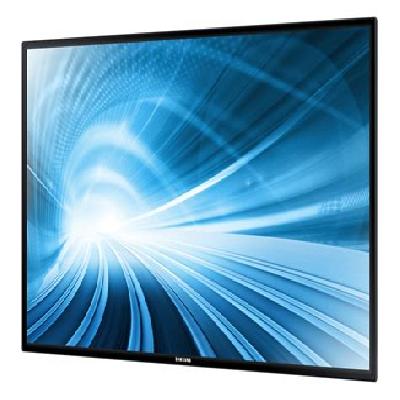
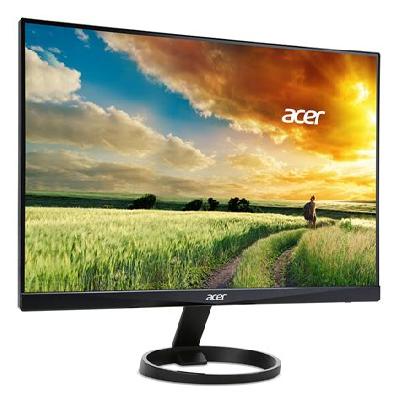
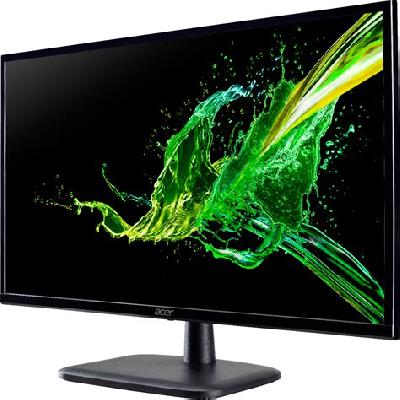
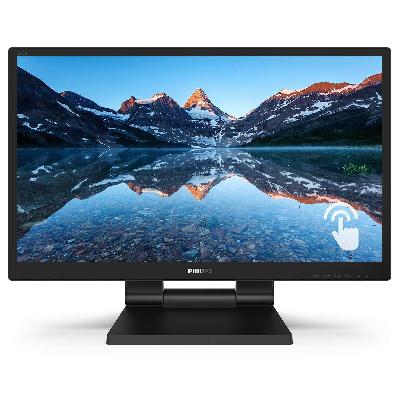
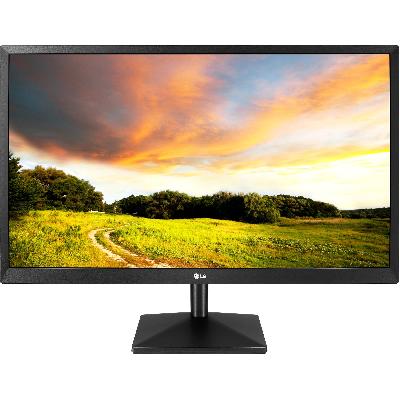
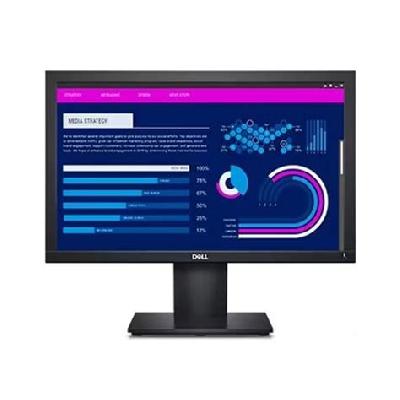
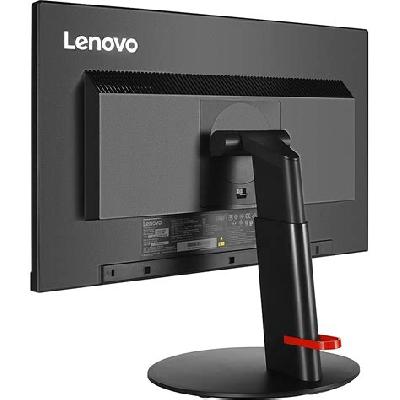
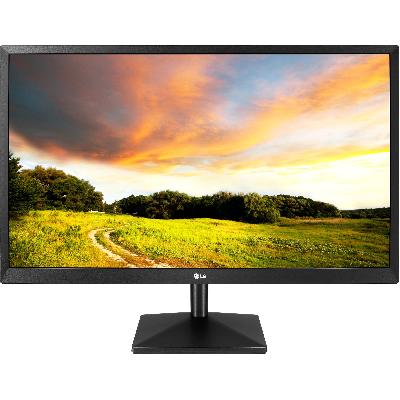
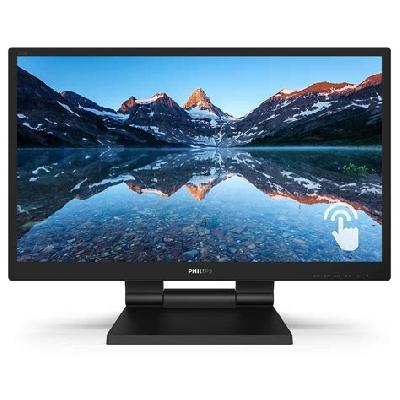
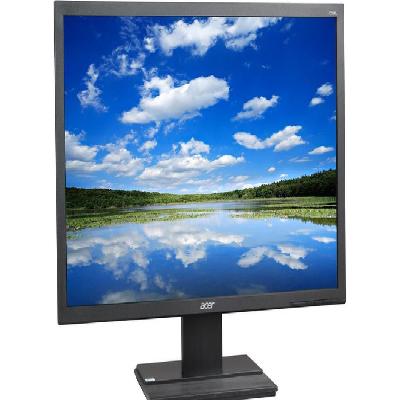
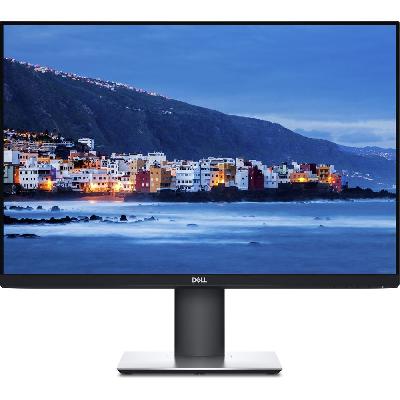
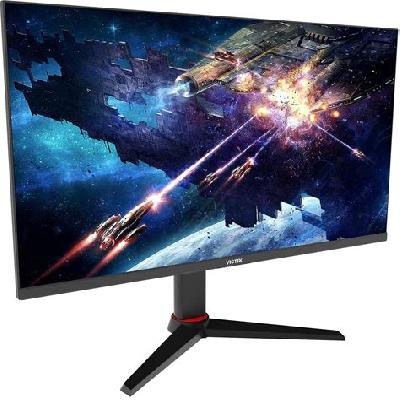
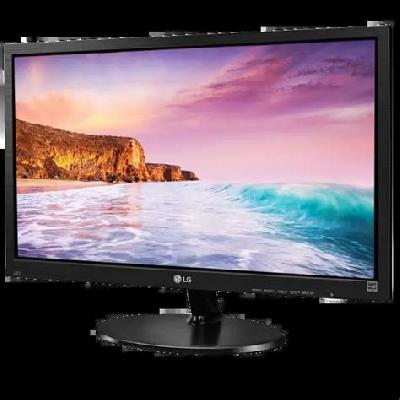
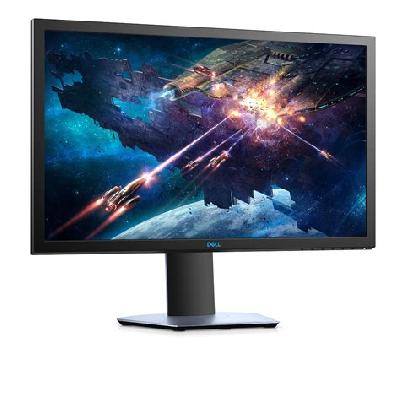
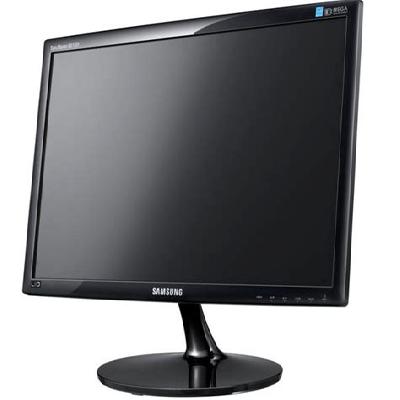
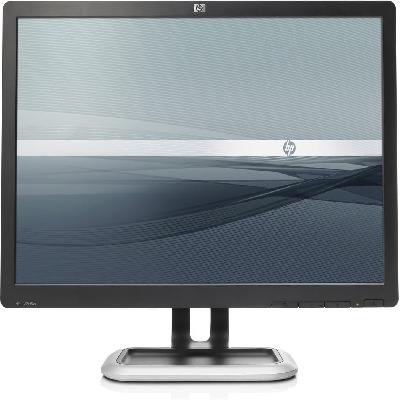
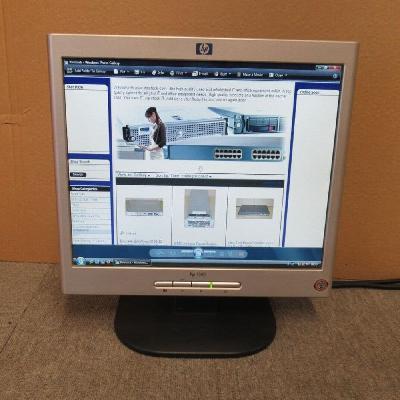
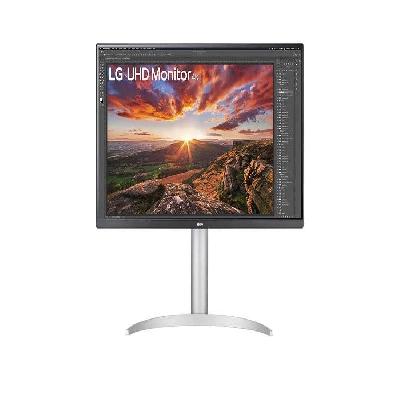
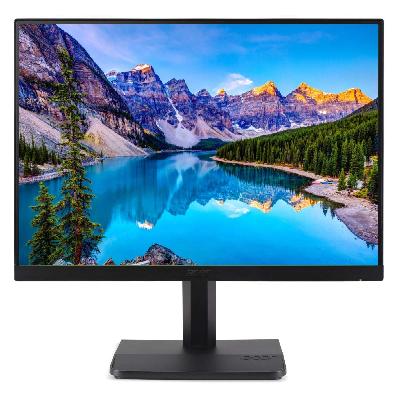
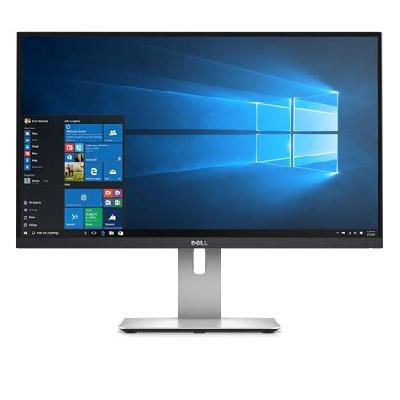
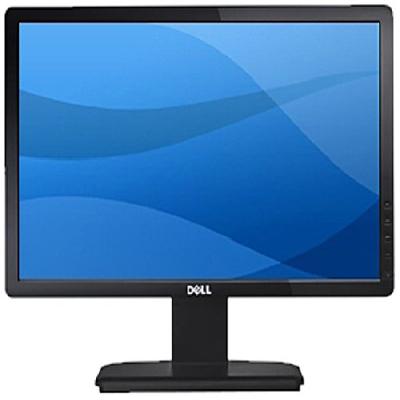
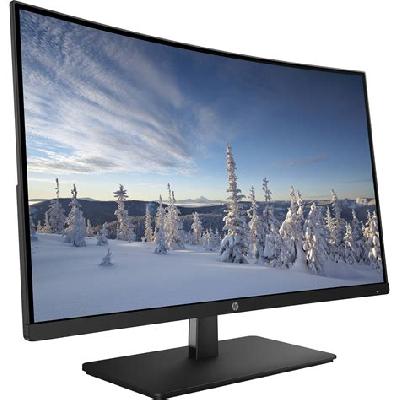
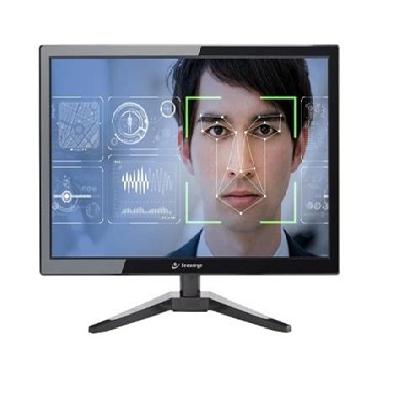
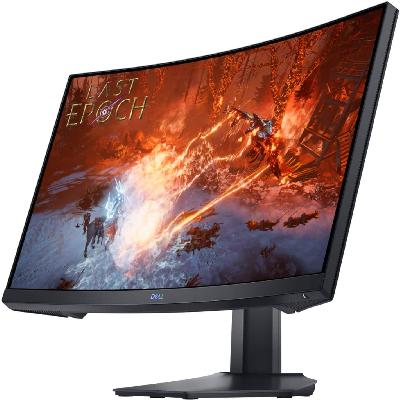
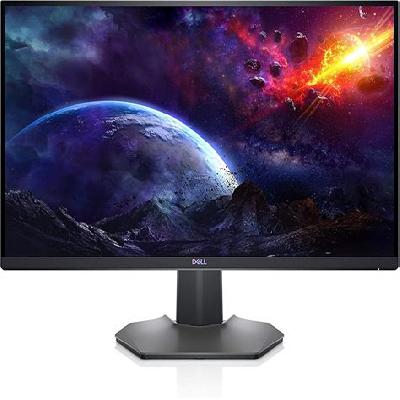
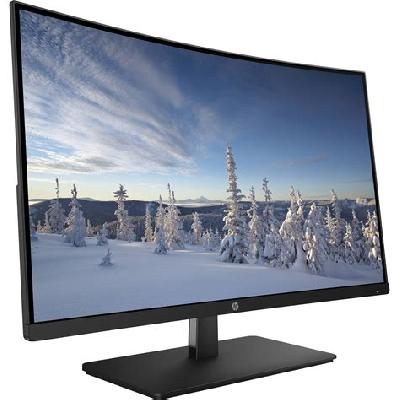
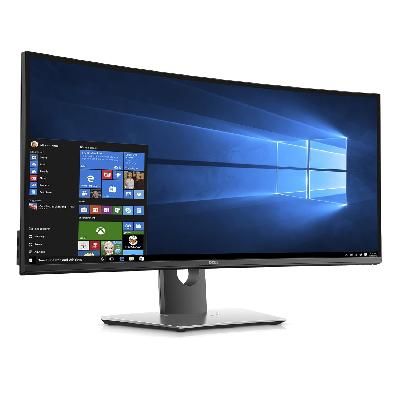
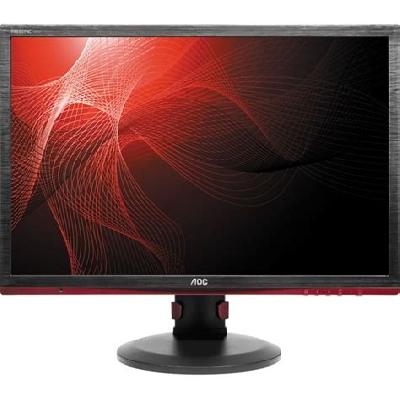
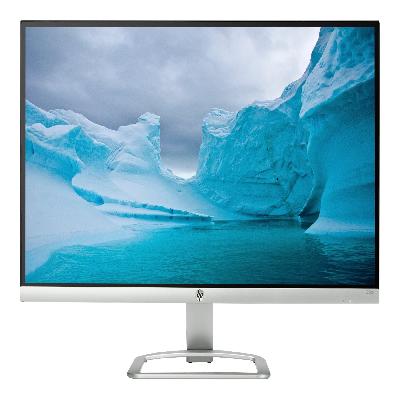
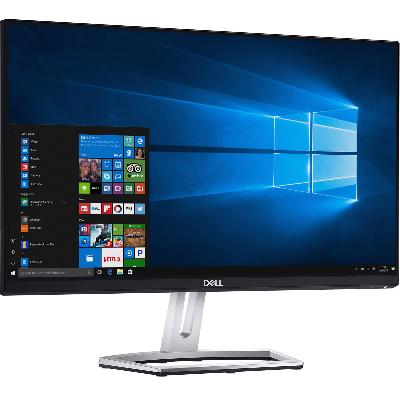
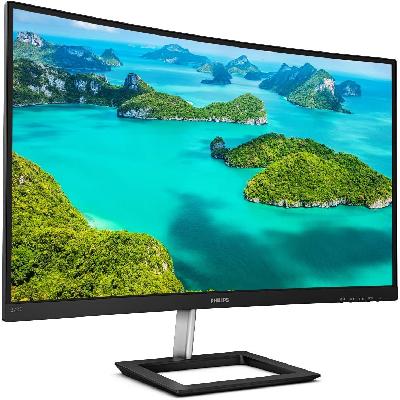
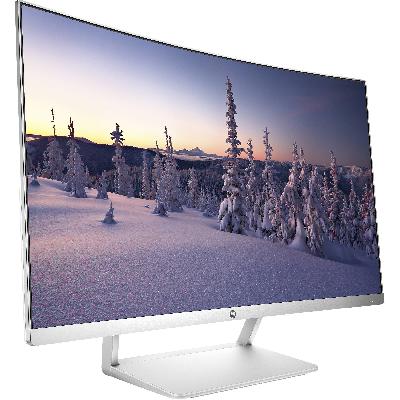
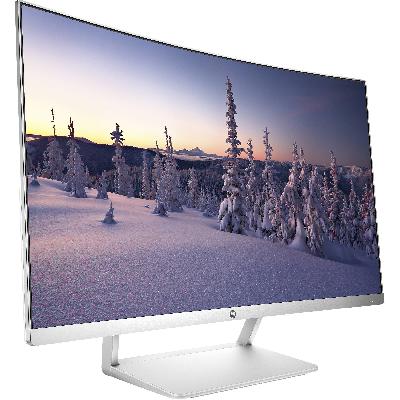
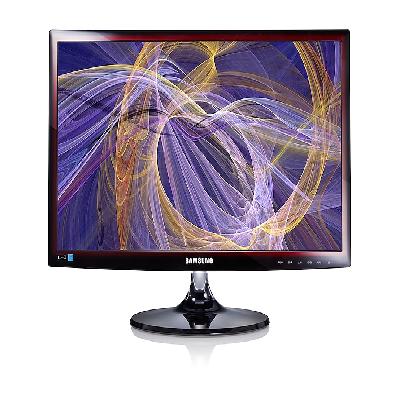
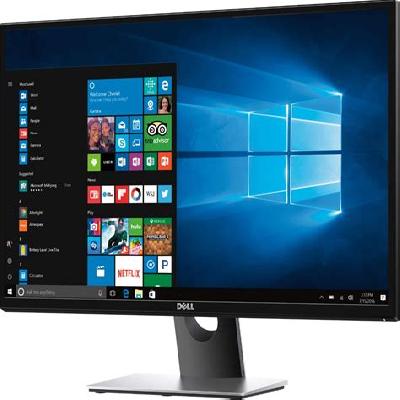
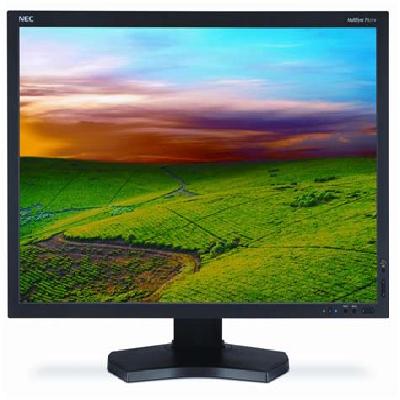
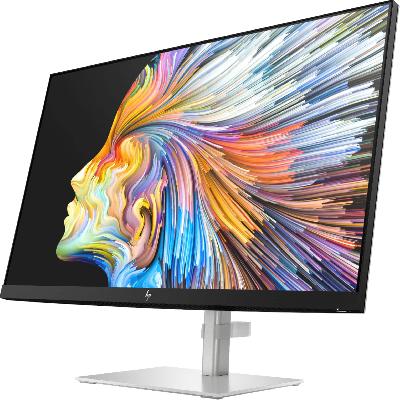
A computer monitor is a display device that shows the output of a computer or other electronic device. It is used to view graphics, text, and video on a screen.
Where To Use Computer Monitors
Computer monitors are used in various settings, including offices, homes, schools, and public spaces. They can be connected to a computer or other device via a cable or wirelessly using technologies like Wi-Fi or Bluetooth.
Key Features Of Computer Monitors
High resolution for clear and crisp image display
Good color accuracy for vibrant and lifelike colors
Fast response time for smooth motion and minimal blur
Adjustable brightness and contrast for optimal viewing comfort
Connectivity options like HDMI, DisplayPort, and USB
Thin and lightweight design for easy portability
Energy efficiency features to reduce power consumption
How To Use Computer Monitors
Connect the monitor to a computer or device using a cable or wirelessly
Adjust the display settings, such as brightness and contrast, for optimal viewing comfort
Use the built-in speakers or connect external audio equipment for better sound quality
Rotate the screen for portrait or landscape mode
Adjust the resolution and refresh rate to suit your needs
How Computer Monitors Is Manufactured
Computer monitors are manufactured using a combination of materials and processes, including LCD panels, LED backlighting, and casing components. The manufacturing process involves several stages, including design, prototype development, tooling, and mass production.
Technical Specification Of Computer Monitors
Size
21.5 inches
Resolution
Full HD (1080p)
Refresh Rate
60 Hz
Weight
5.3 kg
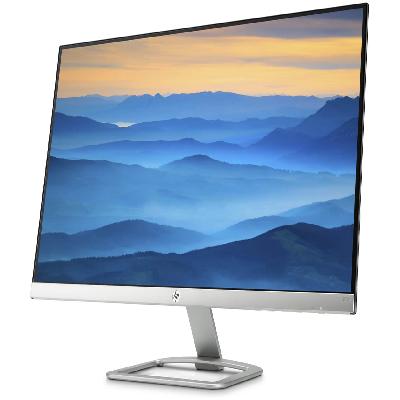
The specifications of computer monitors can vary depending on the model and manufacturer. The above table shows some common technical specifications for a typical computer monitor.
This section provides an overview of the technical specifications of computer monitors. The specifications include size, resolution, refresh rate, and weight. These specifications are crucial in determining the performance and suitability of a monitor for specific applications.
Description Of Computer Monitors
Computer monitors are display devices that show the output of a computer or other electronic device. They come in various sizes, resolutions, and refresh rates to suit different needs and preferences.
Related Products & Synonyms Of Computer Monitors
Some related products to computer monitors include:
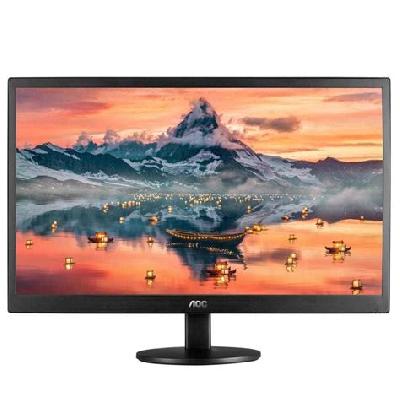
LED Monitor: A monitor that uses an LED backlight for improved brightness and energy efficiency.
Monitors: A general term for display devices used with computers or other electronic devices.
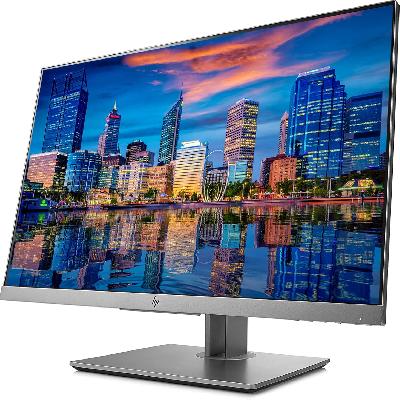
LCD Monitor: A monitor that uses a liquid crystal display (LCD) panel for displaying images.
CCTV Monitors: Monitors specifically designed for surveillance applications, often used in security systems.
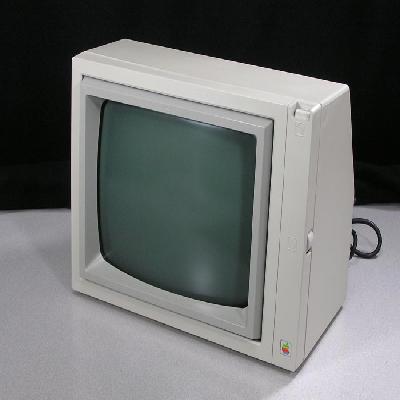
CRT Monitor: An older type of monitor that uses a cathode ray tube (CRT) display technology.
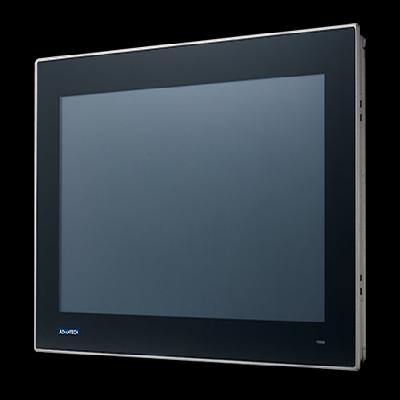
Industrial Monitor: A monitor designed for use in industrial environments, often with specialized features and rugged construction.
Flat Screen Monitor: A monitor with a flat screen design, often using LCD or LED technology.
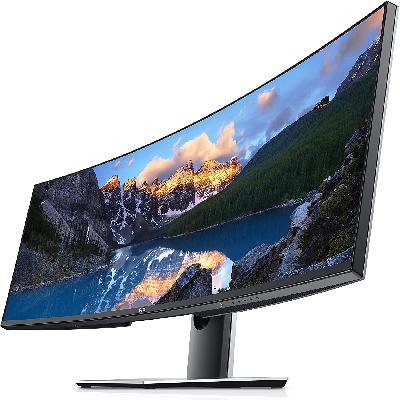
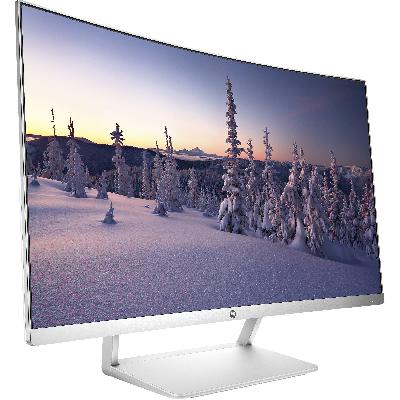
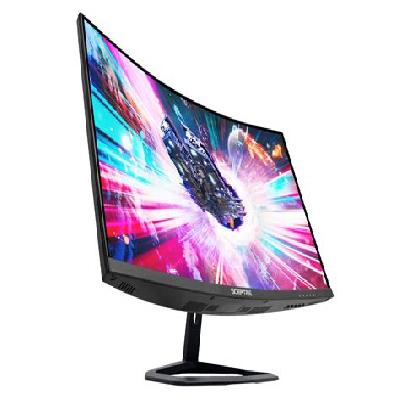
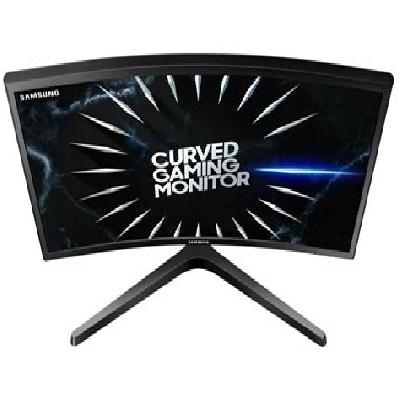
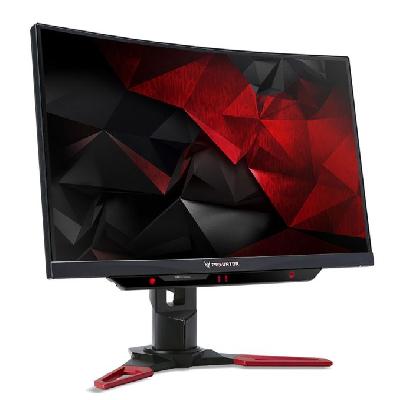
Curved PC Monitor: A monitor with a curved screen design, often used for improved immersion and visual experience.
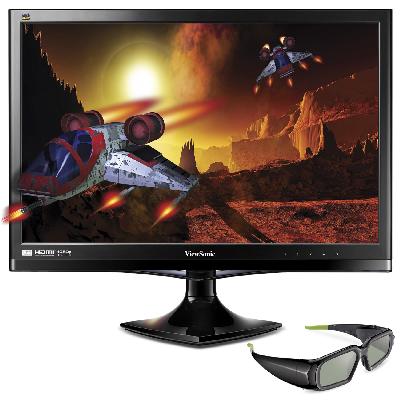
3D Monitor: A monitor that supports 3D display capabilities, often used in gaming or entertainment applications.
Monochrome Monitor: A monitor that displays only monochrome (black and white) images.
Some synonyms for computer monitors include:
Monitor Screen: A general term for the display screen of a monitor.
HD Monitors: High-definition monitors with high resolution and detailed image display.
Color Monitors: Monitors that display images in color, often using LCD or LED technology.