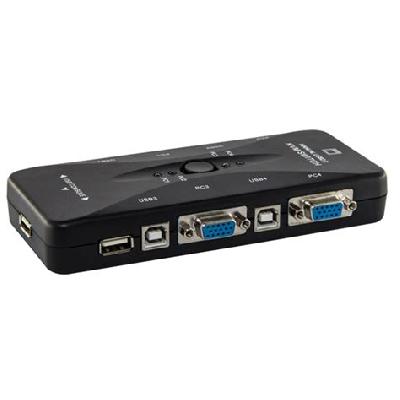
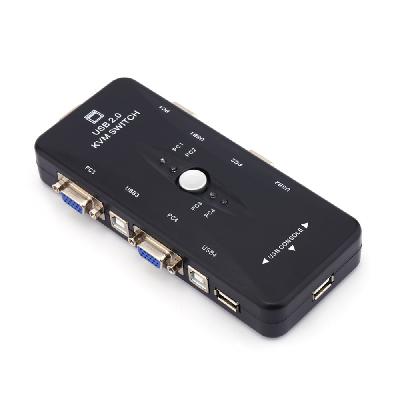
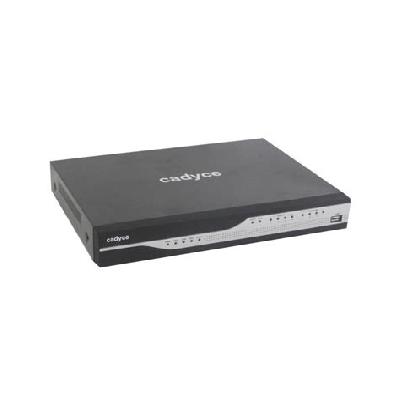
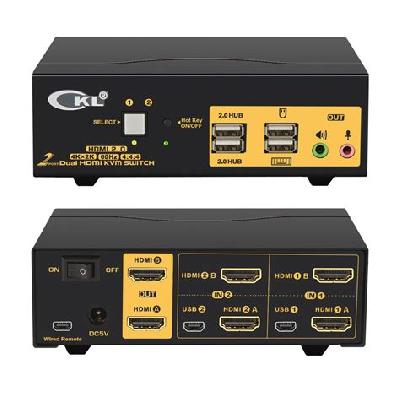
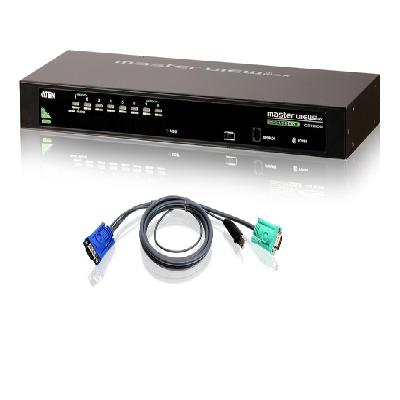
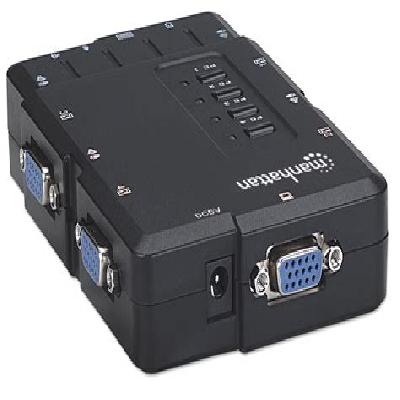
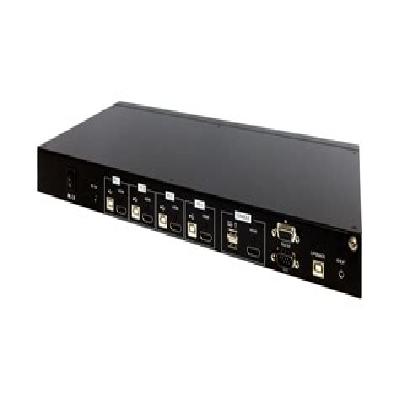
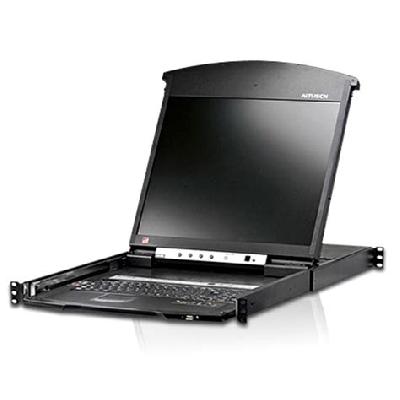
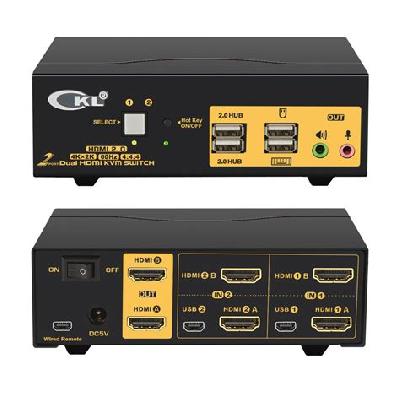
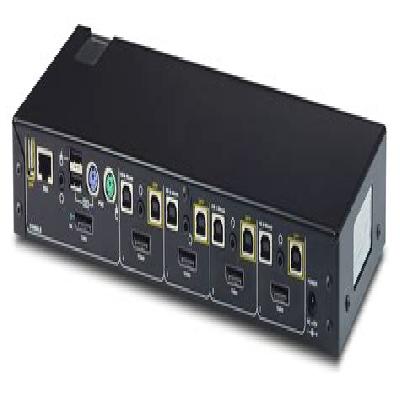
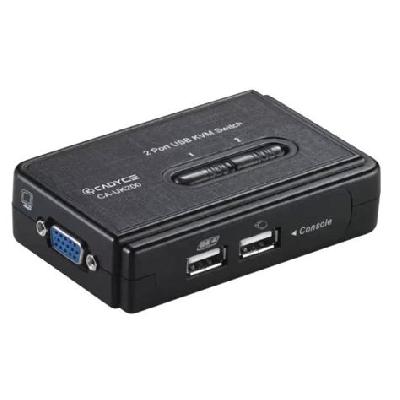
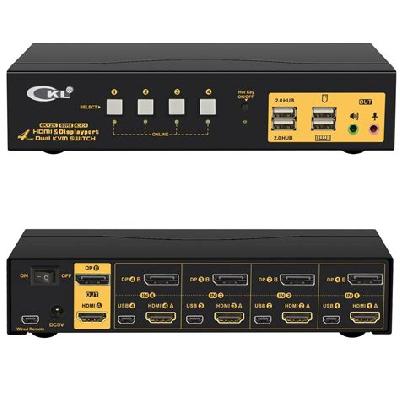
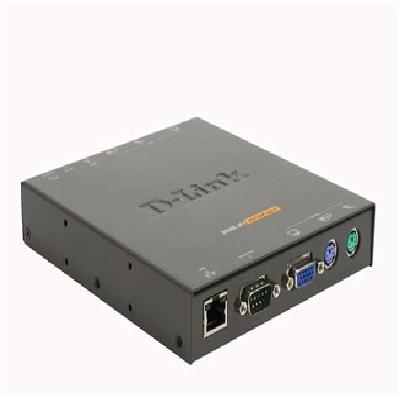
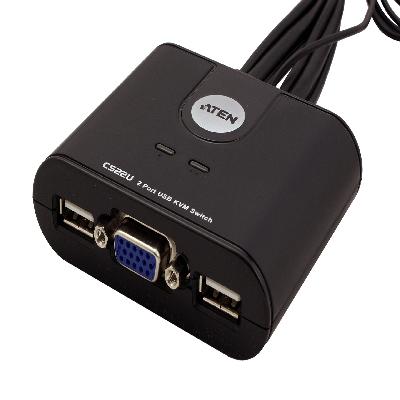
A KVM switch is a hardware device that allows multiple computers to share a single keyboard, monitor, and mouse.
Where To Use Kvm Switches
KVM switches are commonly used in data centers, server rooms, and other environments where multiple computers need to be accessed simultaneously.
Key Features Of Kvm Switches
Switching between multiple computers with a single keyboard, monitor, and mouse.
Support for high-resolution displays and USB peripherals.
Secure access control through passwords or biometric authentication.
Scalability to support large numbers of computers and users.
How To Use Kvm Switches
Connect multiple computers to the KVM switch using cables or over IP.
Use the keyboard, monitor, and mouse to access each computer.
Select which computer to access using the KVM switch's control panel.
How Kvm Switches Is Manufactured
KVM switches are typically manufactured using a combination of electronic and mechanical components, including microprocessors, memory, and input/output interfaces.
Technical Specification Of Kvm Switches
Ethernet Ports:
8
Connection Type:
PS/2, USB
Power Supply:
100-240V AC
Form Factor:
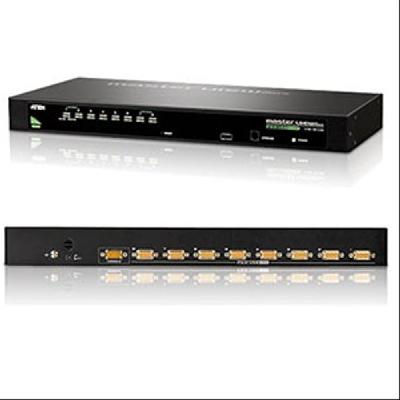
1U rackmount
The technical specification of KVM switches includes various parameters that determine its performance, scalability, and compatibility. The number of Ethernet ports, connection type, power supply, and form factor are some of the key specifications to consider when selecting a KVM switch.
Description Of Kvm Switches
KVM switches are designed to provide a flexible and efficient way to access multiple computers using a single keyboard, monitor, and mouse.
Related Products & Synonyms Of Kvm Switches
Some related products to KVM switches include keyboard, video, and mouse (KVM) extenders, which allow remote access to computers over long distances.
Synonyms for KVM switches include computer switch, console switch, and station switch.