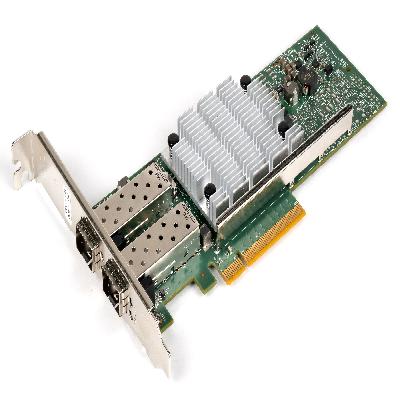
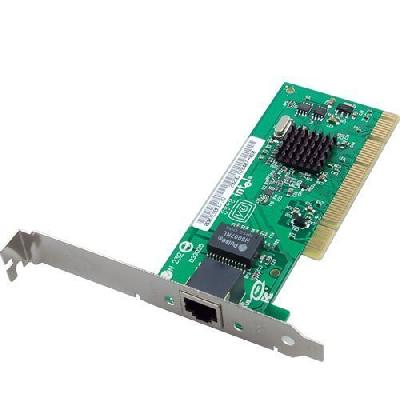
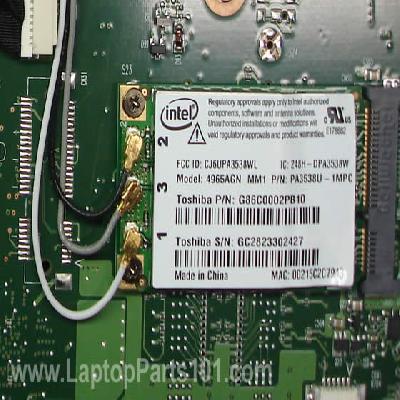
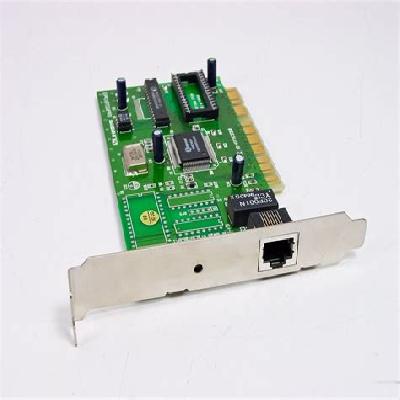
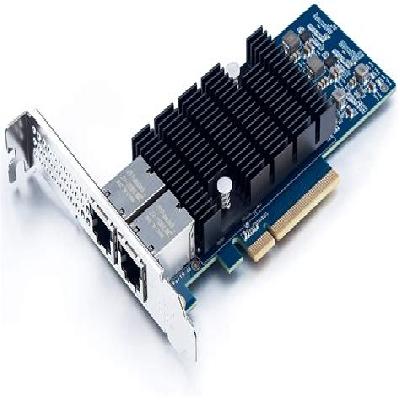
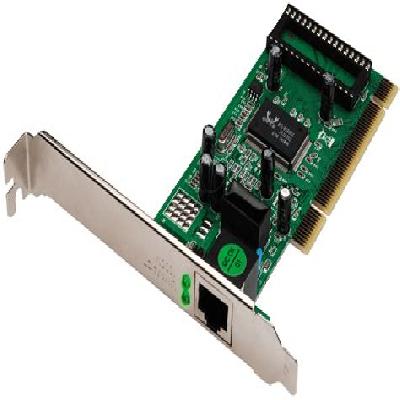
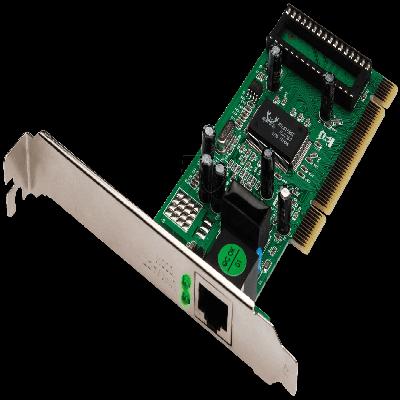
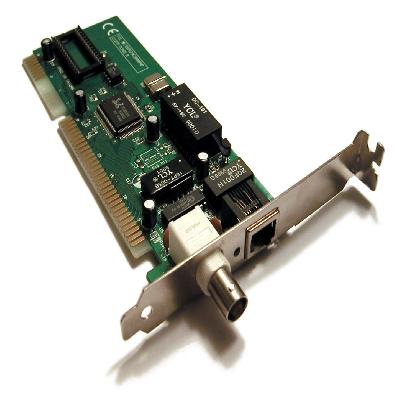
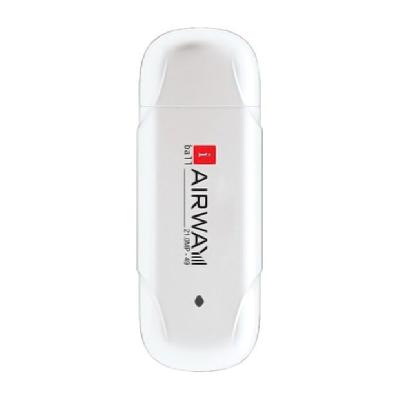
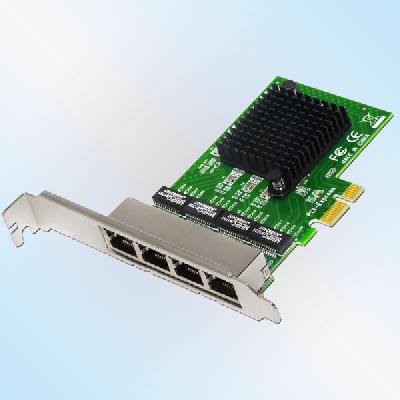
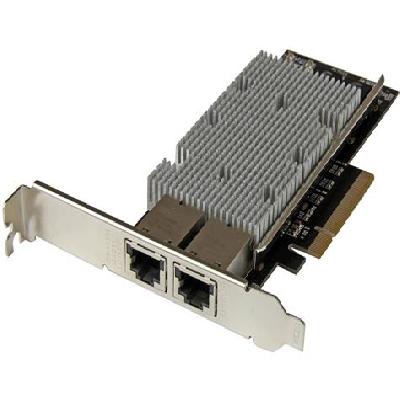
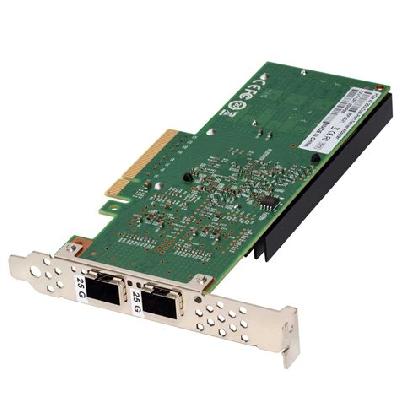
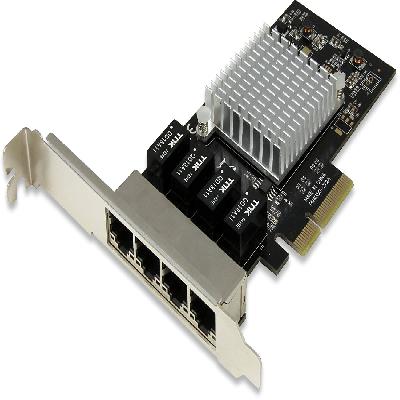
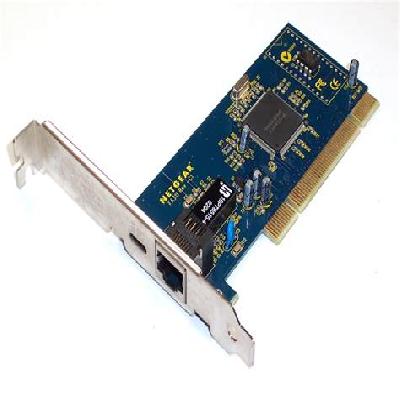
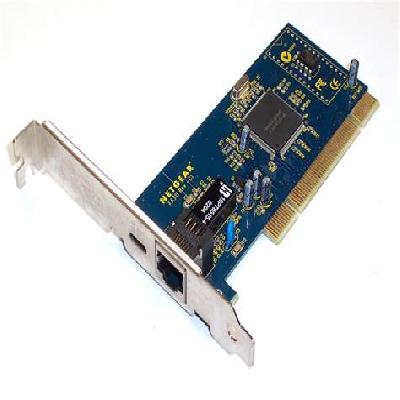
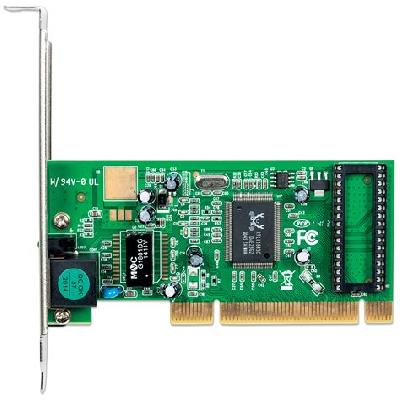
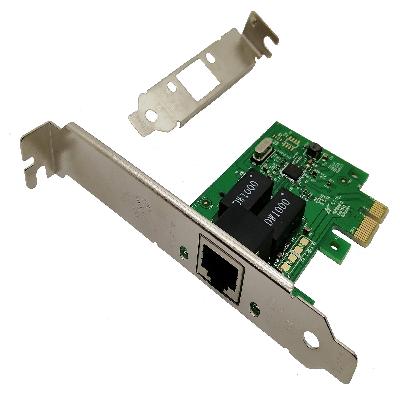
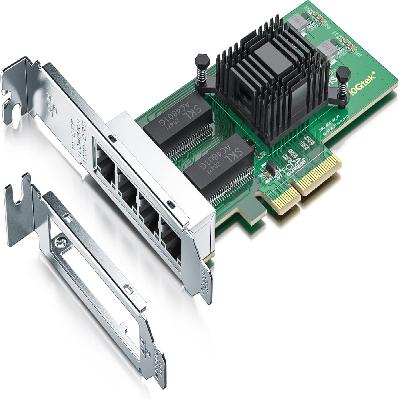
A LAN card, also known as an Ethernet adapter or network interface card (NIC), is a hardware component that enables a computer to connect to a local area network (LAN). It allows devices to communicate with each other and access shared resources on the network.
Where To Use Lan Card
LAN cards are commonly used in various settings, including:
Home networks
Small office networks
Large enterprise networks
Data centers
Key Features Of Lan Card
High-speed data transfer rates
Reliable and stable connectivity
Easy installation and configuration
Compliance with industry standards (e.g. IEEE 802.3)
How To Use Lan Card
Install the LAN card into an available slot on the motherboard
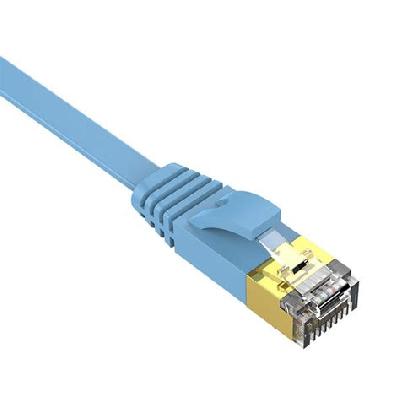
Connect the LAN cable to the LAN card and the other end to a network device (e.g. router, switch)
Configure the LAN card settings using the computer's BIOS or UEFI firmware
Test the connection by transferring data between devices
How Lan Card Is Manufactured
The manufacturing process of a LAN card involves several stages, including:
Design and development
Circuit board fabrication
Component assembly
Testing and quality control
Technical Specification Of Lan Card
Speed:
1 Gbps
Interface:
RJ-45
Driver Support:
Windows, Linux, macOS
Duplex Mode:
Full-duplex
The technical specifications of a LAN card include its speed, interface type, driver support, and duplex mode capabilities. A LAN card's speed is typically measured in gigabits per second (Gbps) and can range from 100 Mbps to 10 Gbps or more. The interface type refers to the physical connector used for connecting to a network device, such as an RJ-45 connector. Driver support refers to the operating systems that the LAN card is compatible with, including Windows, Linux, and macOS. Finally, duplex mode determines whether data can be transmitted simultaneously in both directions (full-duplex) or in one direction at a time (half-duplex).
Description Of Lan Card
A LAN card is a small, plug-in adapter that connects a computer to a local area network (LAN). It has a compact design and is usually supplied with an RJ-45 connector for connecting to a network device.