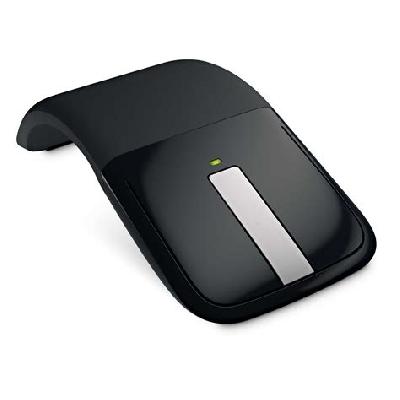
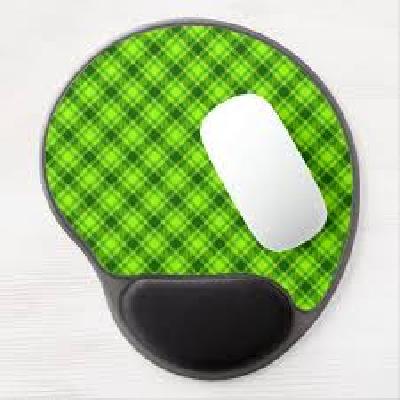
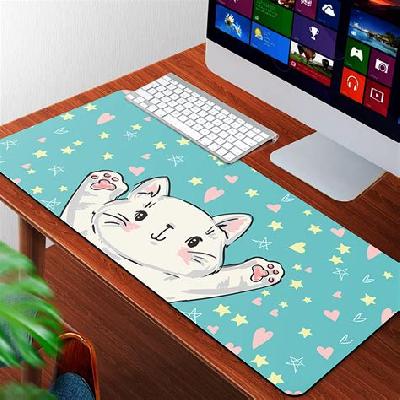
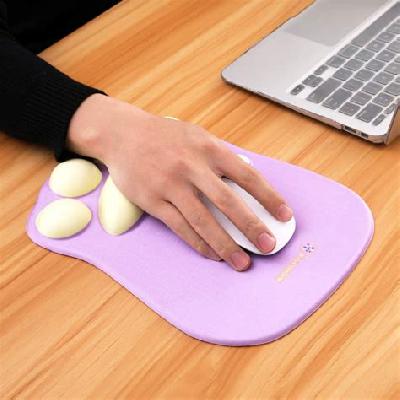
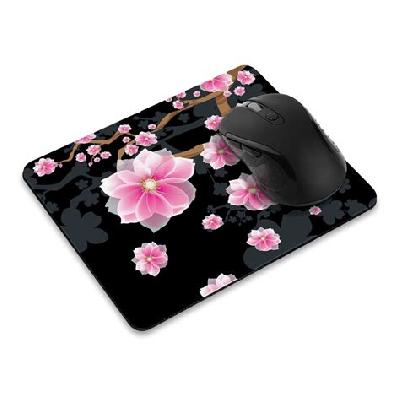
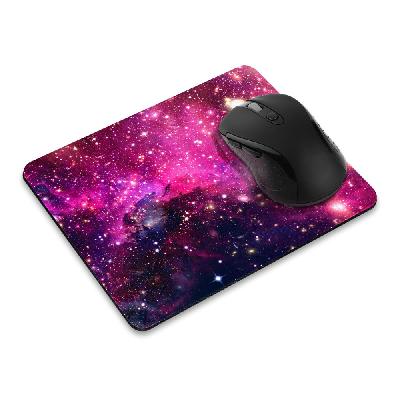
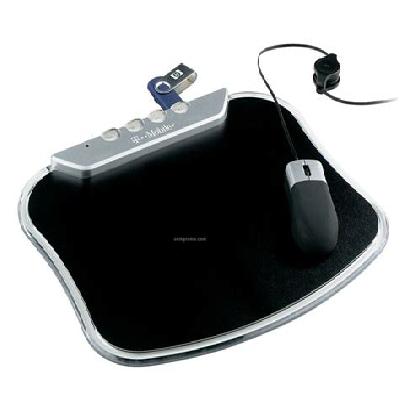
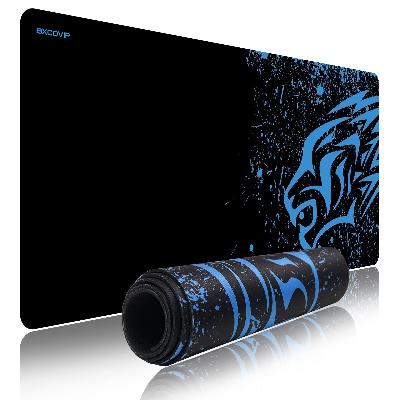
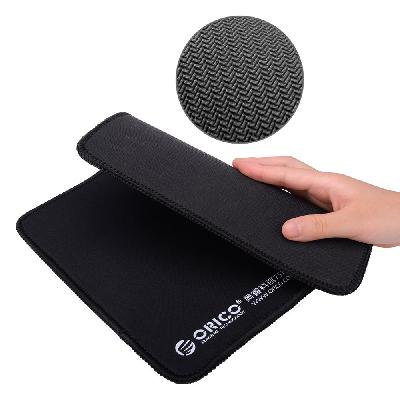
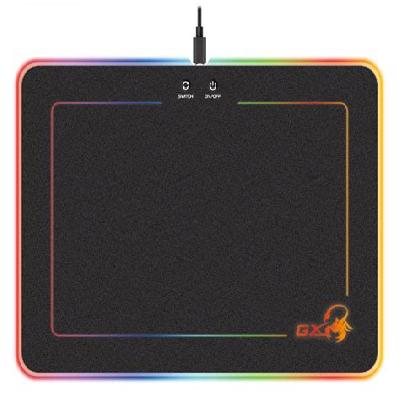
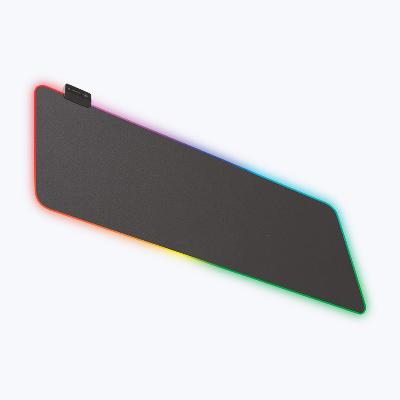
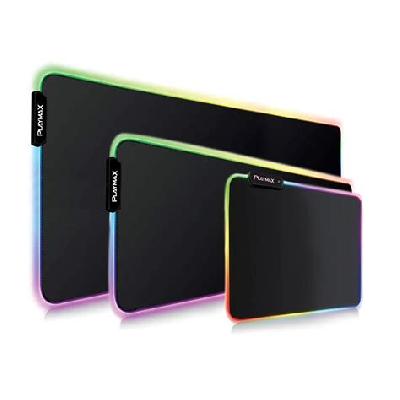
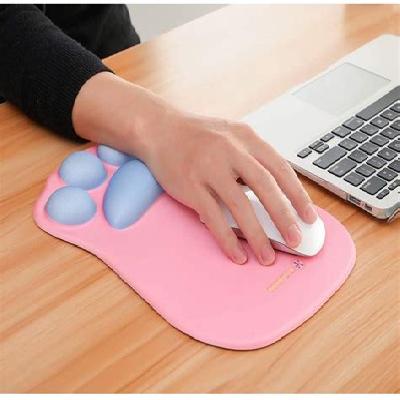
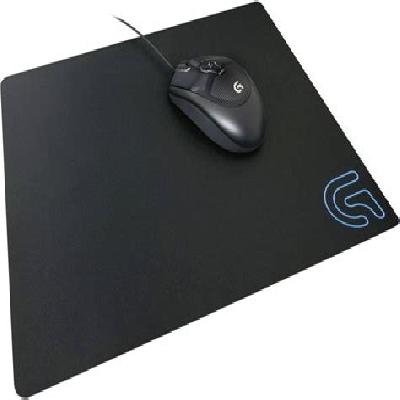
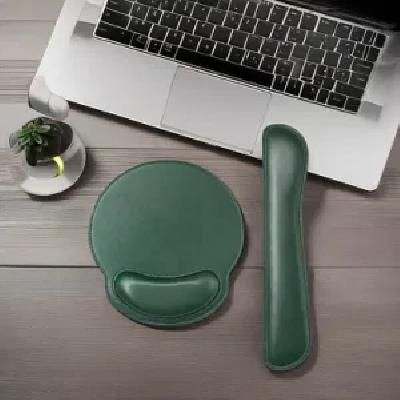
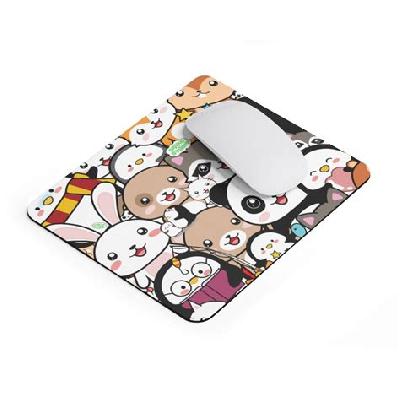
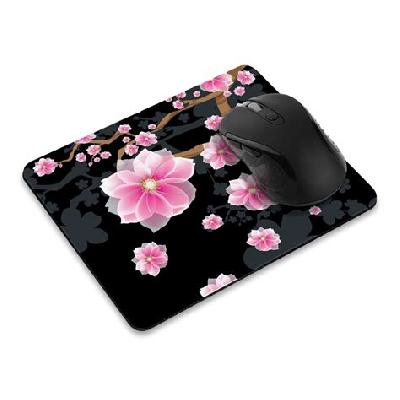
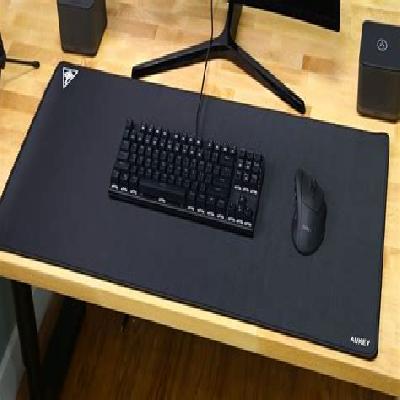
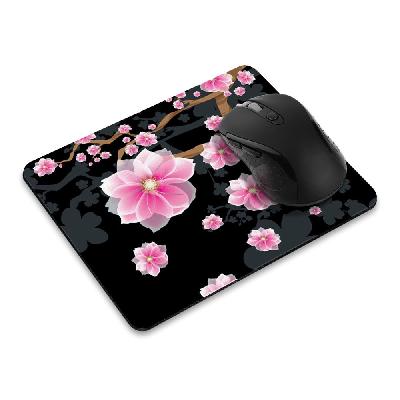
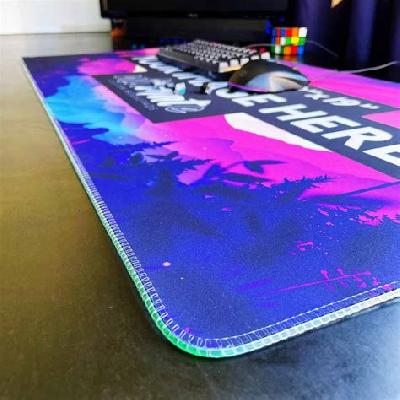
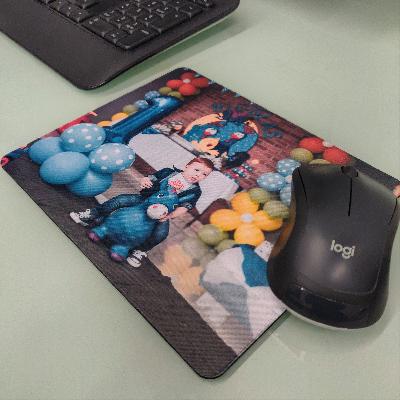
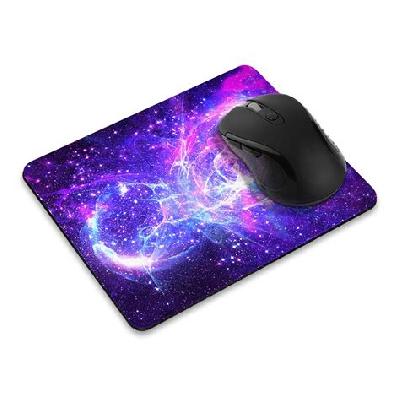
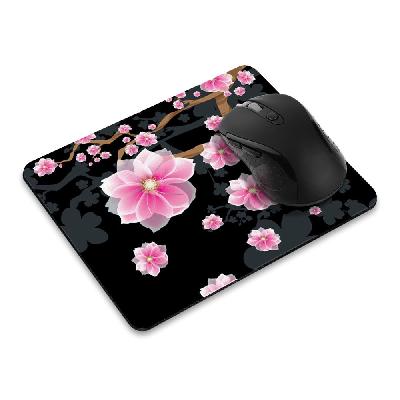
Mouse pads, also known as mouse mats or colorful mouse pads, are flat surfaces designed for computer users to place their mice on while working. They provide a smooth and stable surface for the mouse to glide over, reducing friction and wear on the mouse's rollers.
Where To Use Mouse Pads
Mouse pads are commonly used in computer stations, offices, and homes where people work on computers for extended periods. They can be placed under the mouse on a desk or table to provide comfort and convenience.
Key Features Of Mouse Pads
Smooth and stable surface for mouse movement
Reduces friction and wear on mouse rollers
Provides comfort and convenience while working
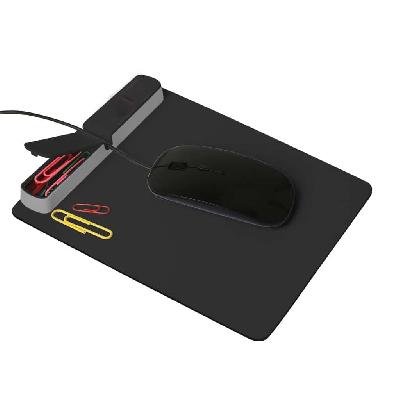
Available in various materials, sizes, and designs
How To Use Mouse Pads
Place the mouse pad under the mouse on a desk or table
Adjust the position of the mouse pad to suit your working style
Clean the mouse pad regularly to maintain its performance
How Mouse Pads Is Manufactured
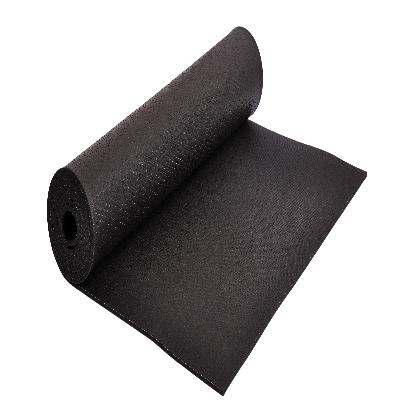
Mouse pads are manufactured using various materials such as silicone, rubber, and cloth. The production process involves cutting the material to the desired size, applying a smooth surface finish, and packaging the finished product.
Technical Specification Of Mouse Pads
Material:
Silicone
Size:
A4, A3
Thickness:
2mm, 3mm
Color:
Black, White, Colorful
Design:
Plain, Printed
Mouse pads are designed to provide a smooth and stable surface for mouse movement, reducing friction and wear on the mouse's rollers. The technical specifications of mouse pads include material (silicone), size (A4, A3), thickness (2mm, 3mm), color (black, white, colorful), and design (plain, printed). By choosing the right mouse pad, users can ensure comfortable and efficient computer use.
Description Of Mouse Pads
Mouse pads are flat surfaces designed for computer users to place their mice on while working. They provide a smooth and stable surface for the mouse to glide over, reducing friction and wear on the mouse's rollers.
Related Products & Synonyms Of Mouse Pads
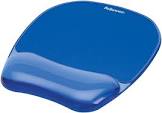
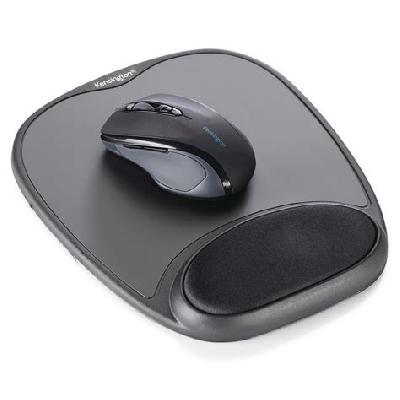
Gel Mouse Pad:
Gel mouse pads are designed for optimal comfort and performance. They provide a smooth and stable surface for the mouse to glide over, reducing friction and wear on the mouse's rollers.
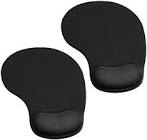
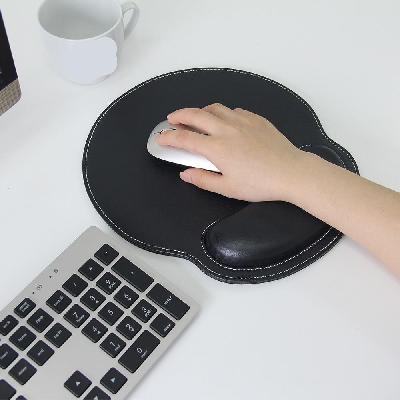
Ergonomic Mouse Pad:
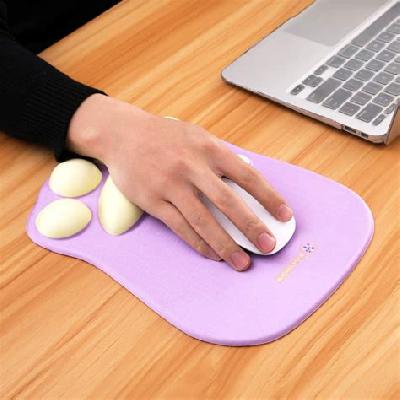
Ergonomic mouse pads are designed to reduce strain on the wrist and hand while working. They provide a curved surface for the mouse to move over, promoting comfortable computer use.
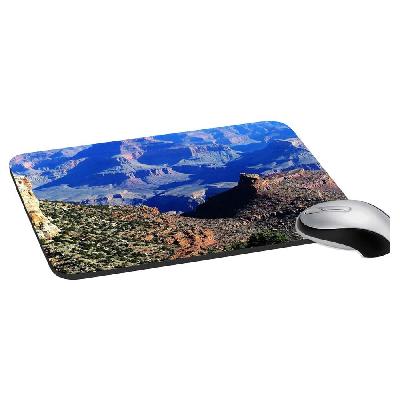
Printed Mouse Pad:
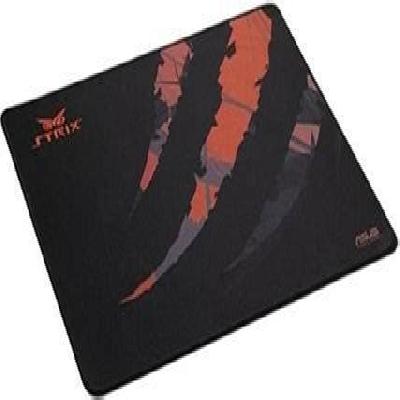
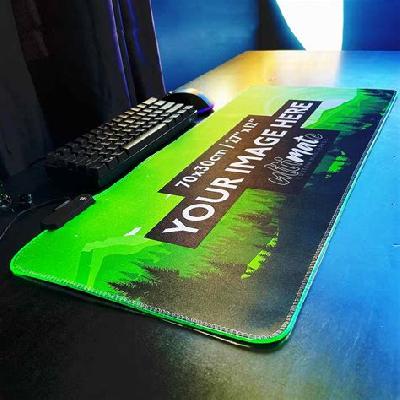
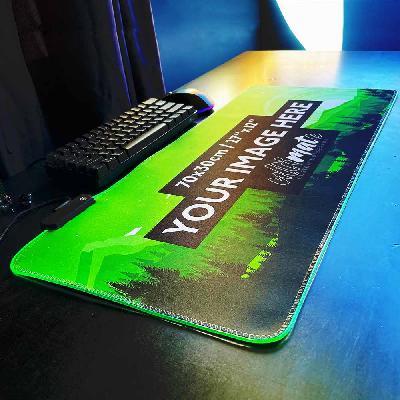
Printed mouse pads are designed for those who want a customized surface for their mouse. They can be printed with logos, designs, or other graphics to add a personal touch.
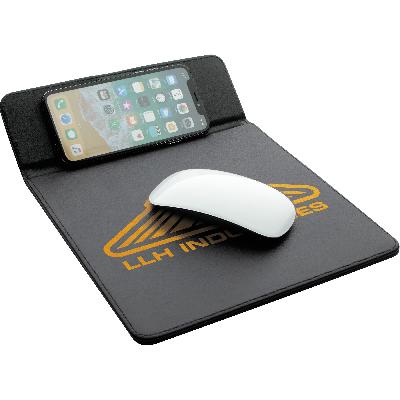
Wireless Charging Mouse Pad:
Wireless charging mouse pads are designed for convenience and comfort. They provide a smooth surface for the mouse to glide over while also allowing users to charge their devices wirelessly.
Neoprene Mat:
Neoprene mats are designed for comfort and durability. They provide a smooth surface for the mouse to move over while also protecting the desk or table from wear and tear.
Synonyms Of Mouse Pads
Mouse Mat:
A mouse mat is a flat surface designed for computer users to place their mice on while working.
Colorful Mouse Pad:
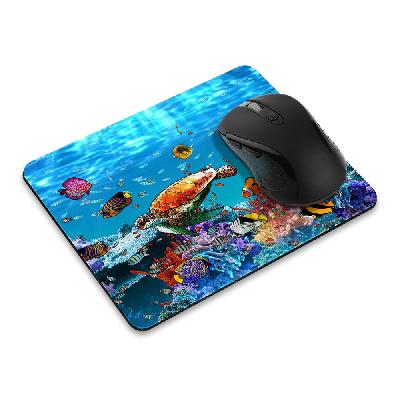
A colorful mouse pad is a decorative surface for the mouse to move over, available in various colors and designs.