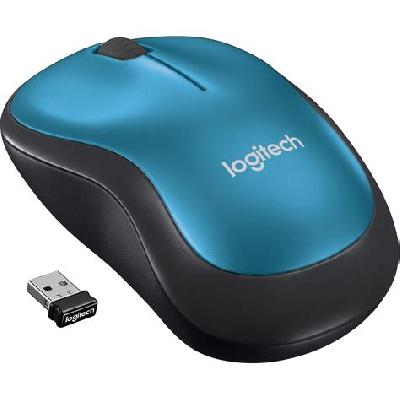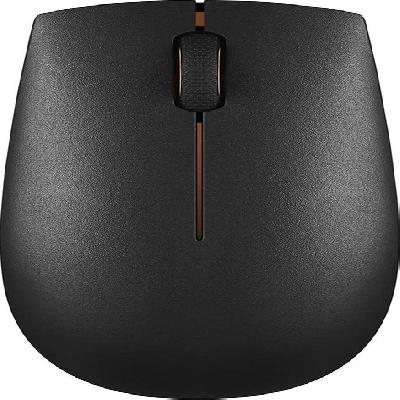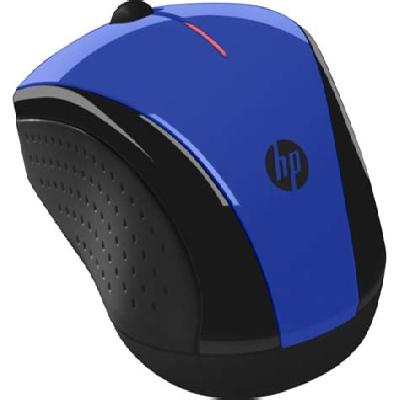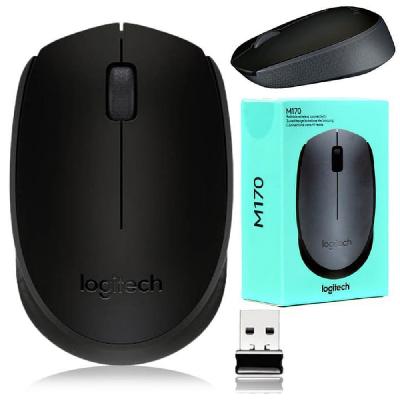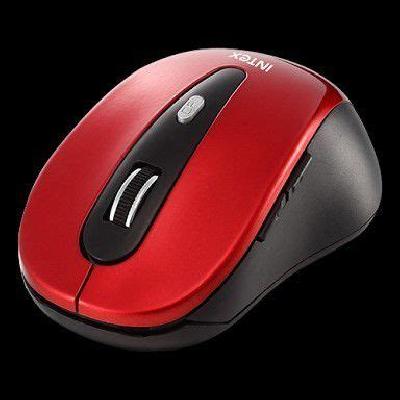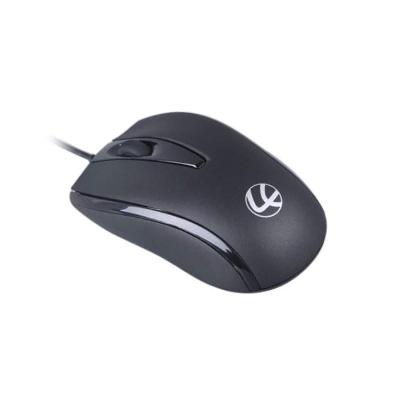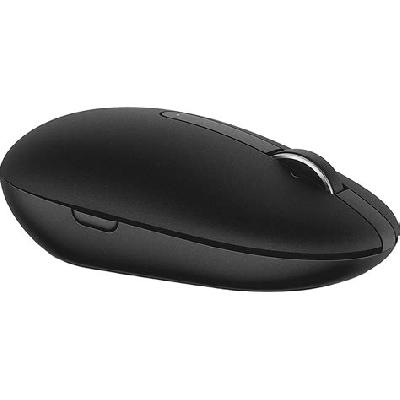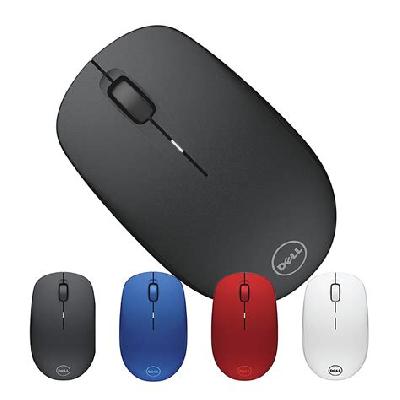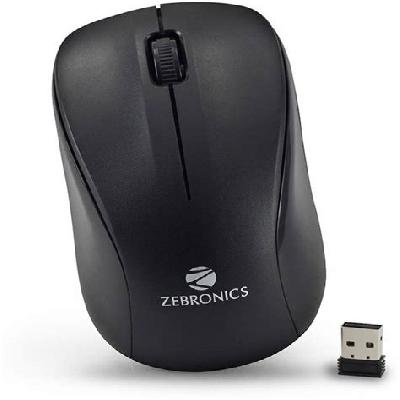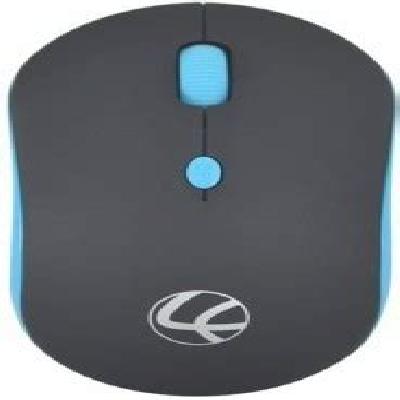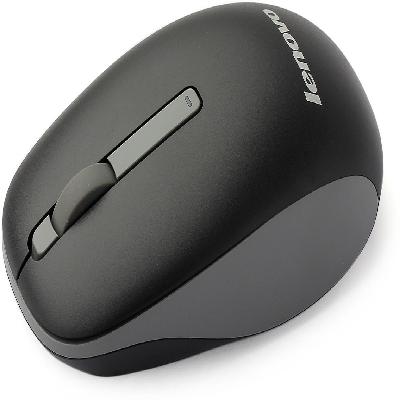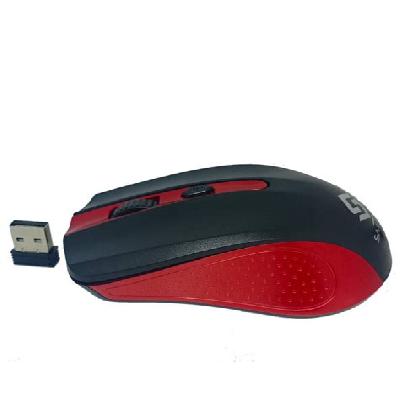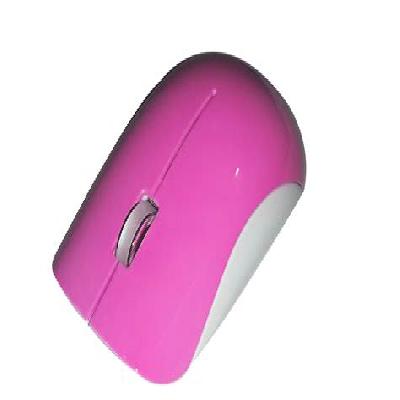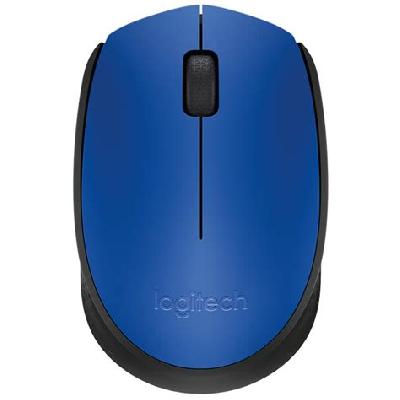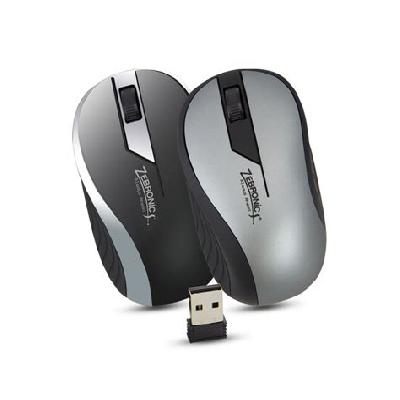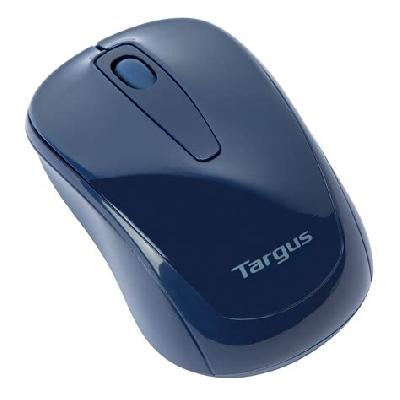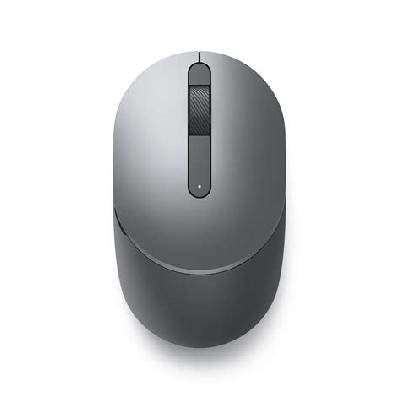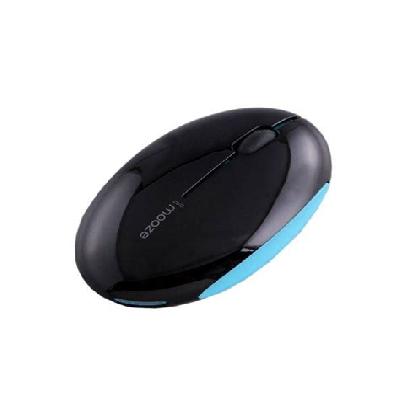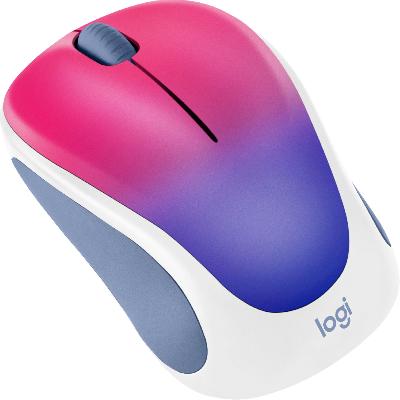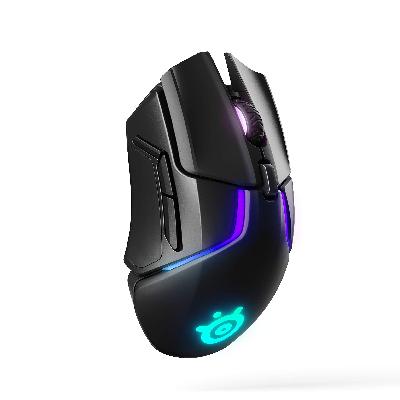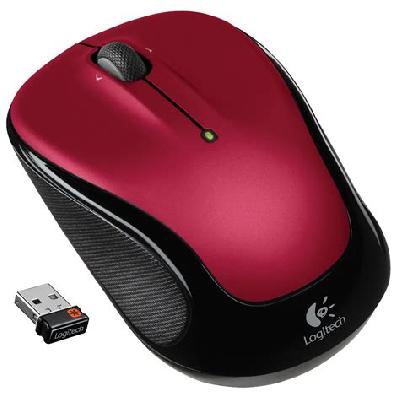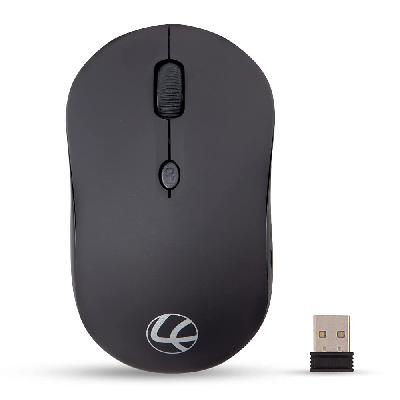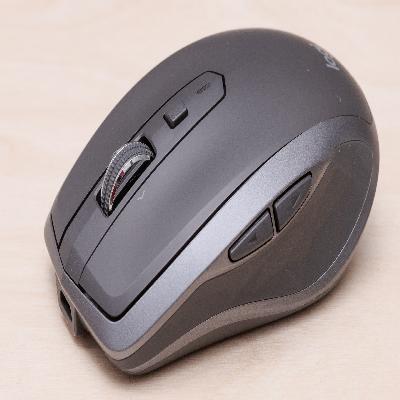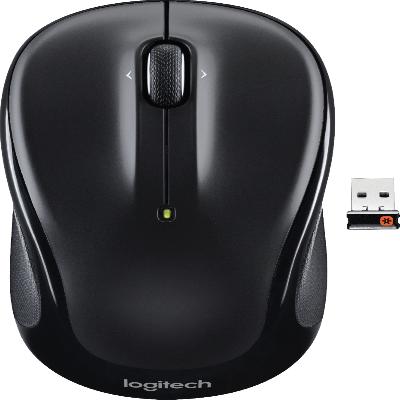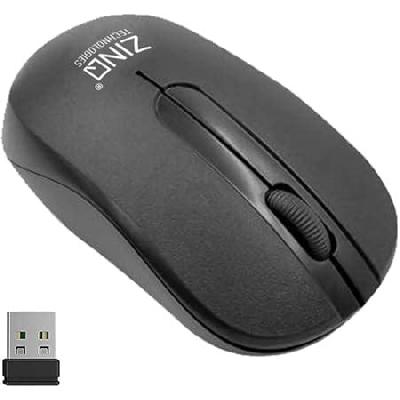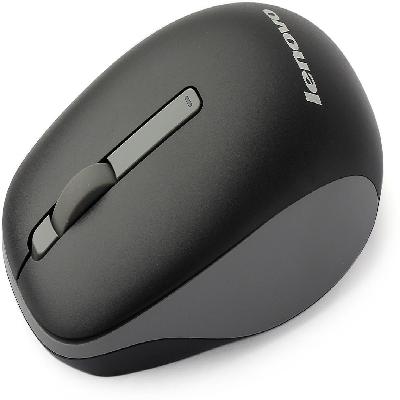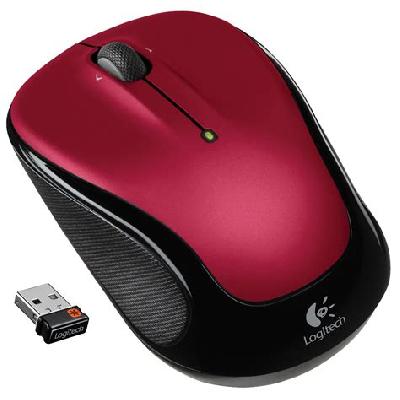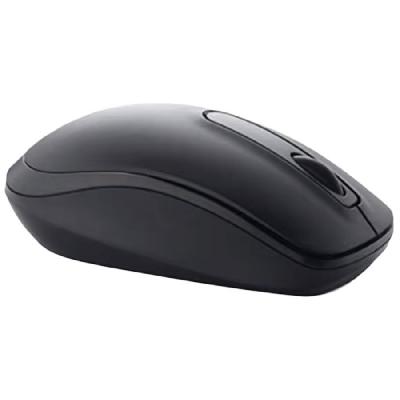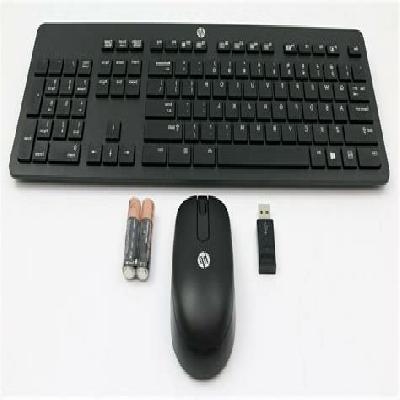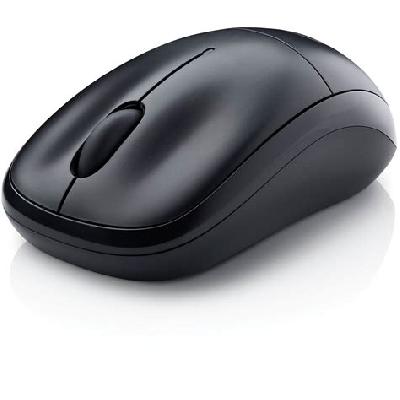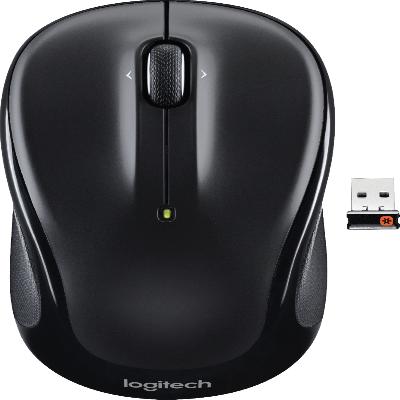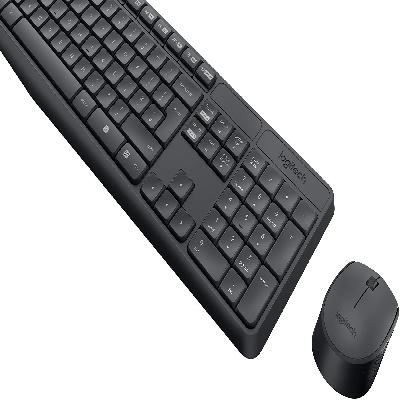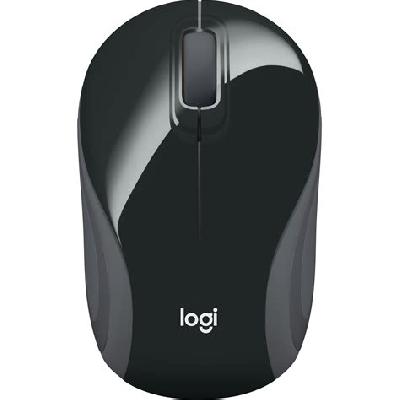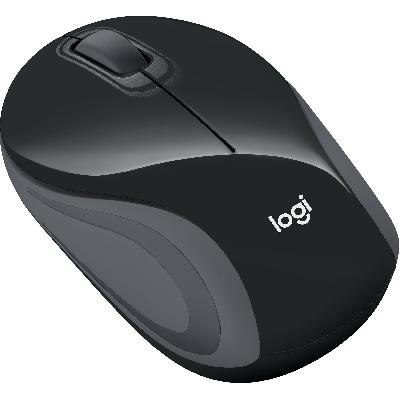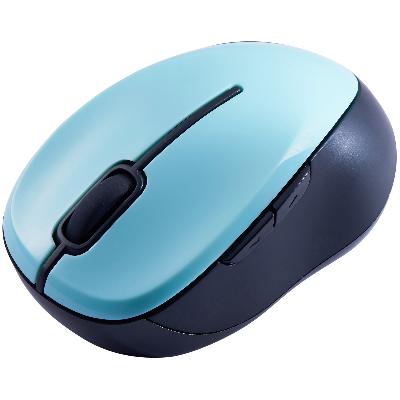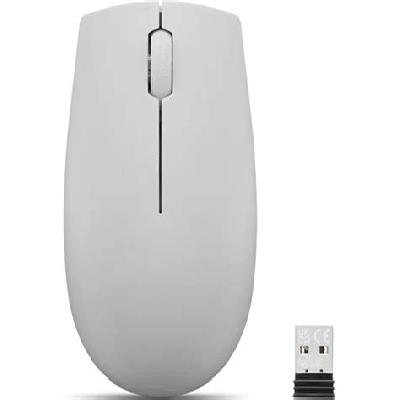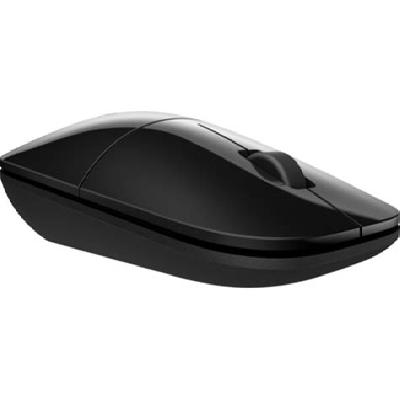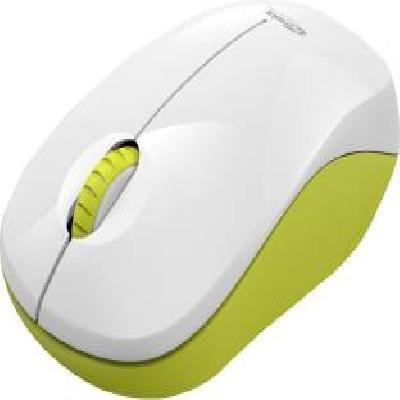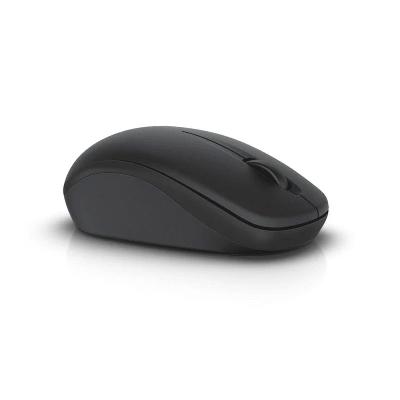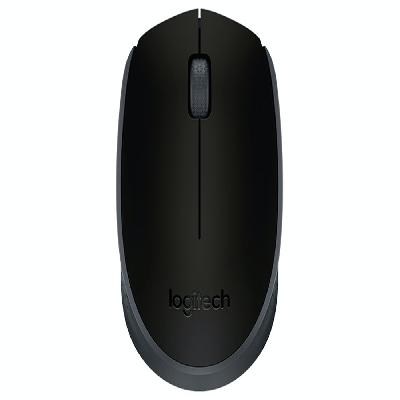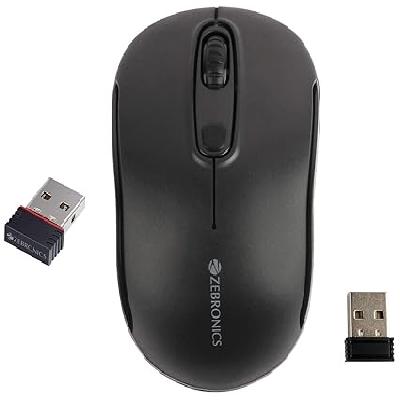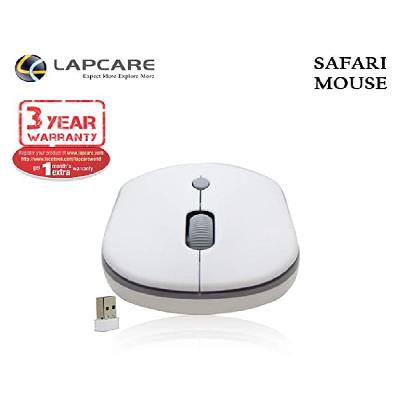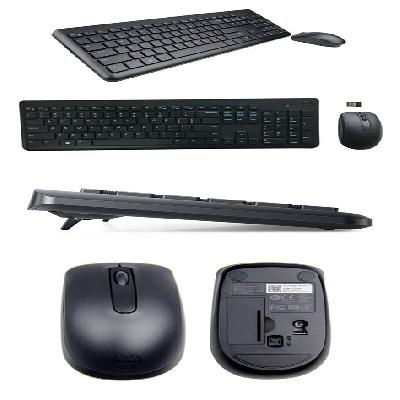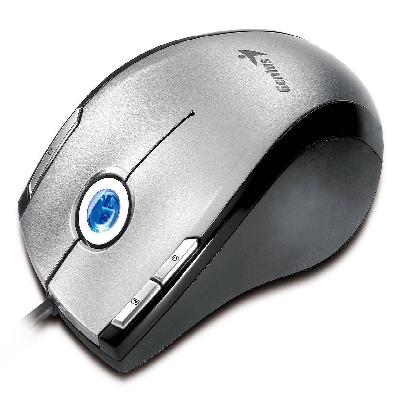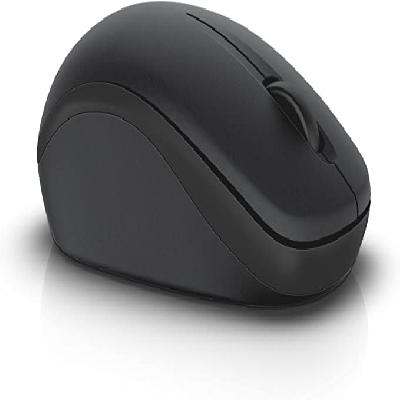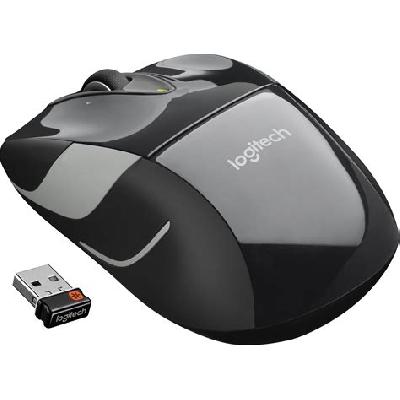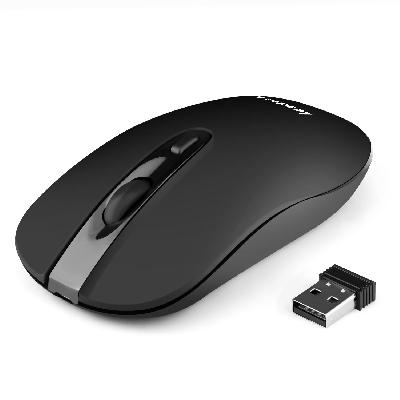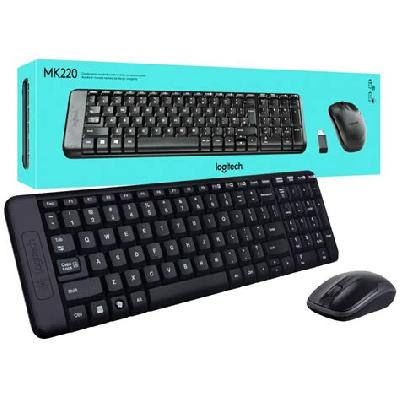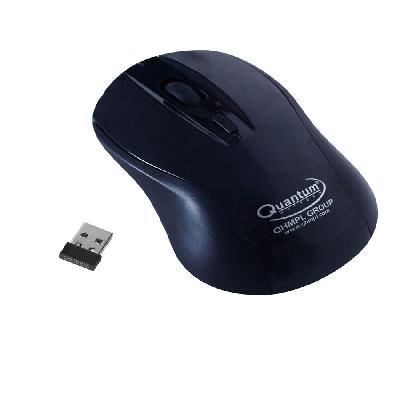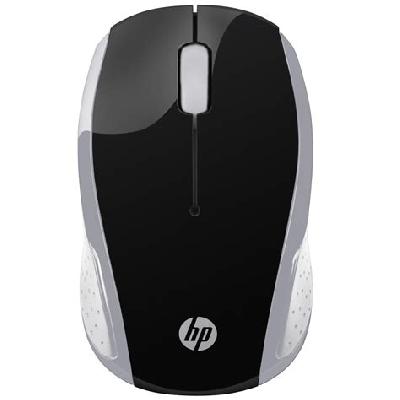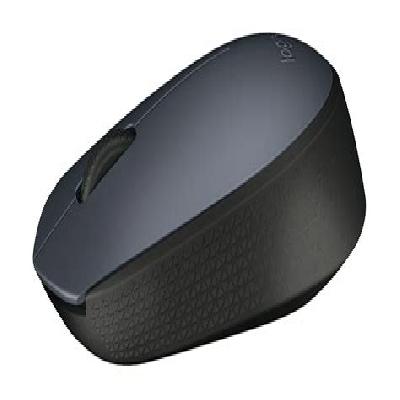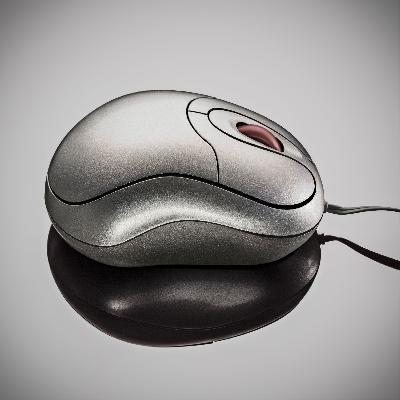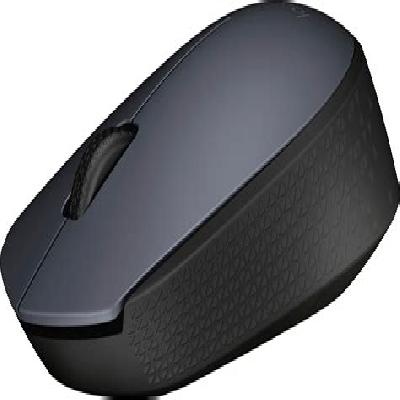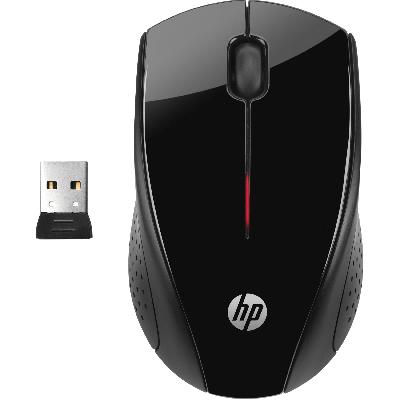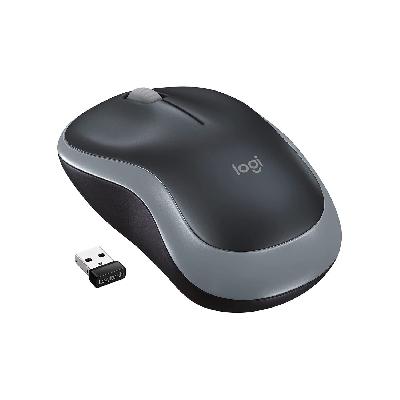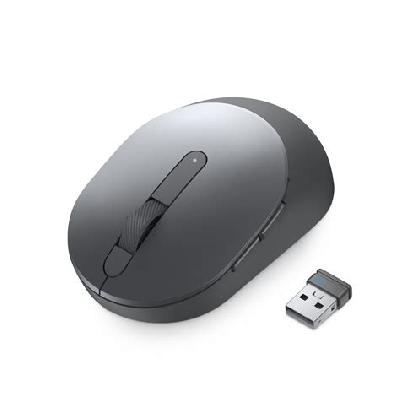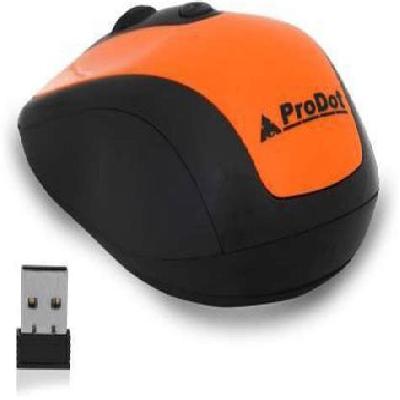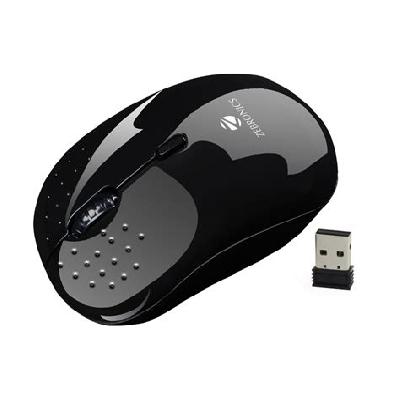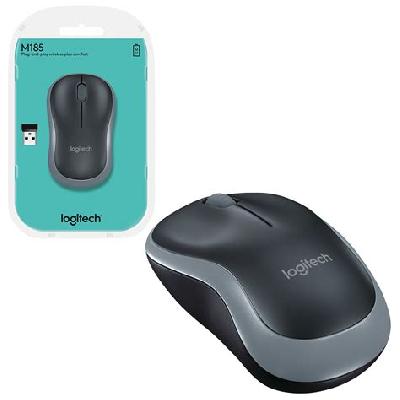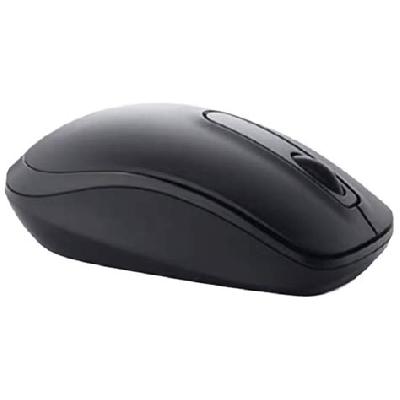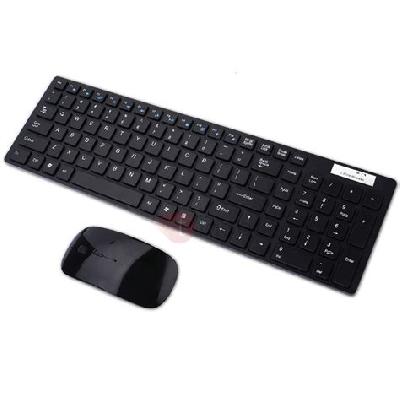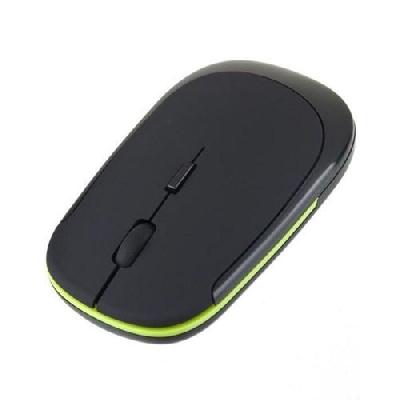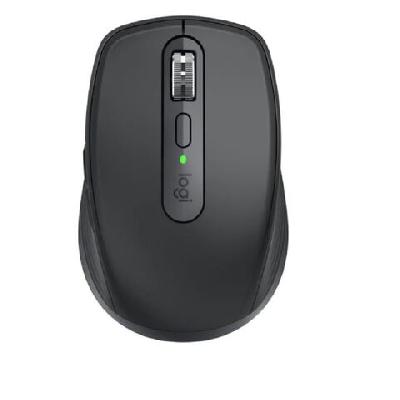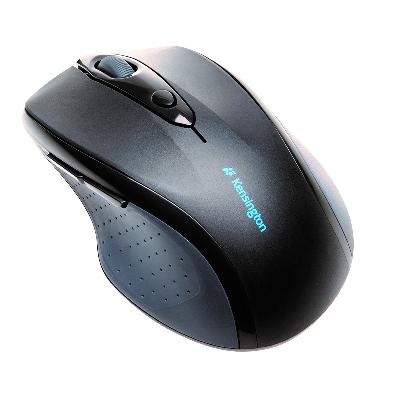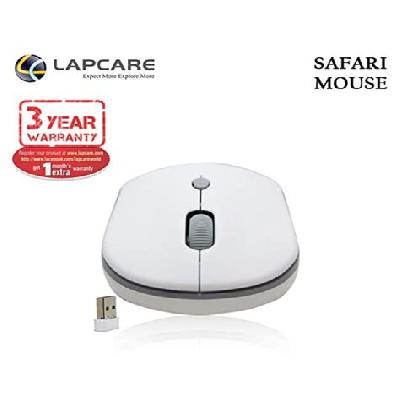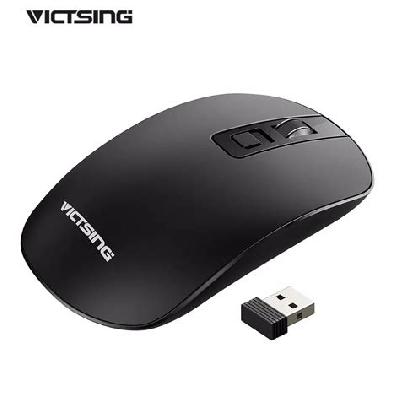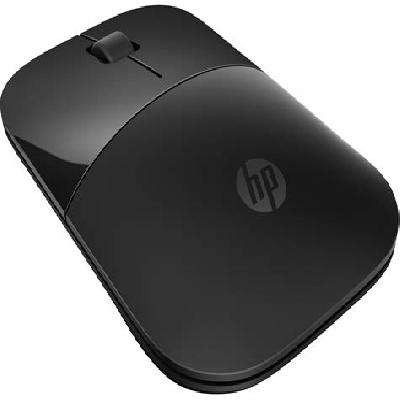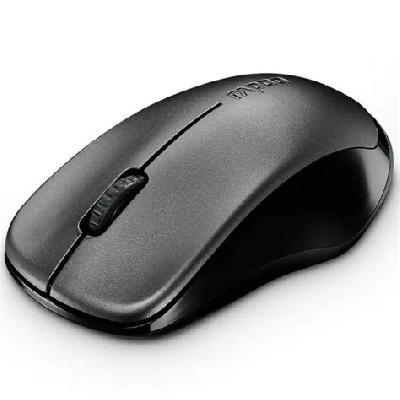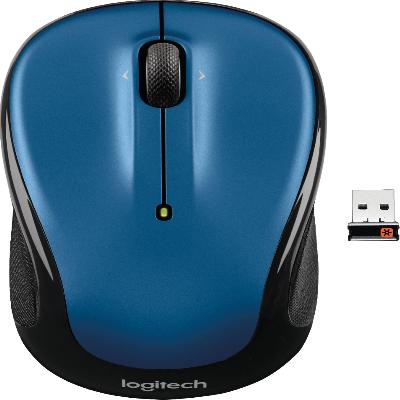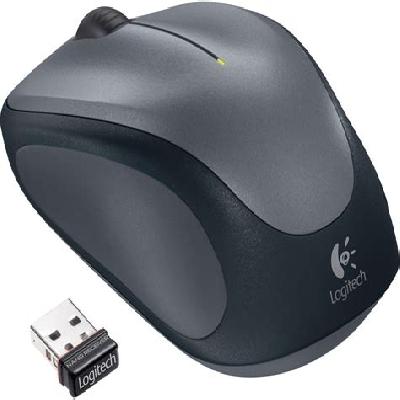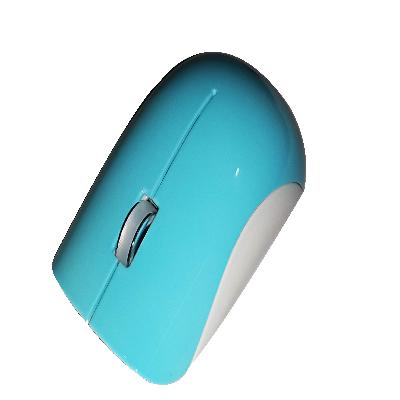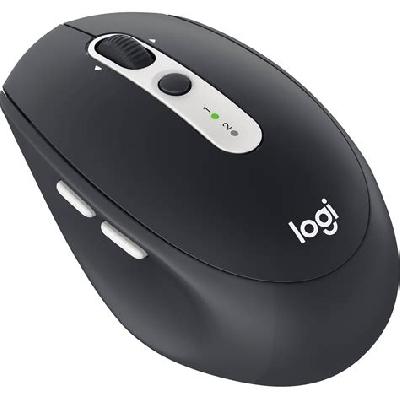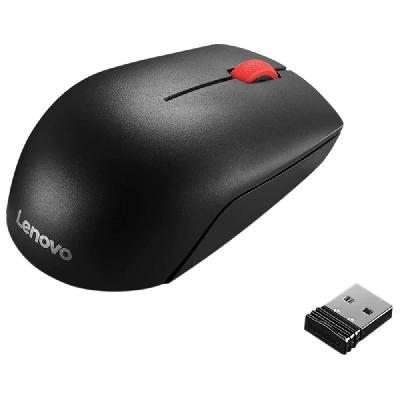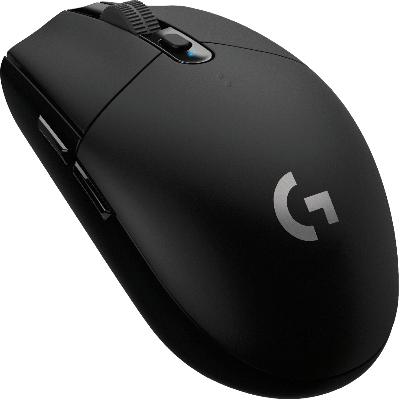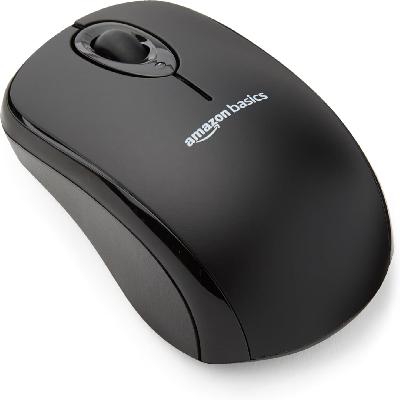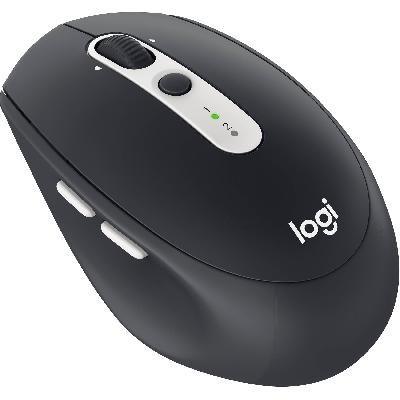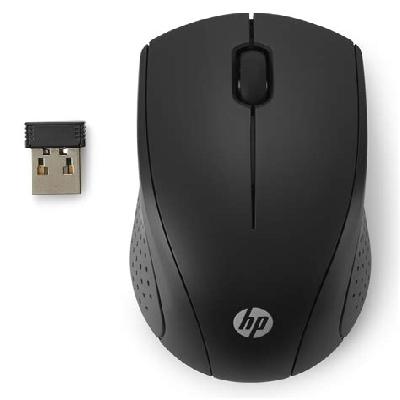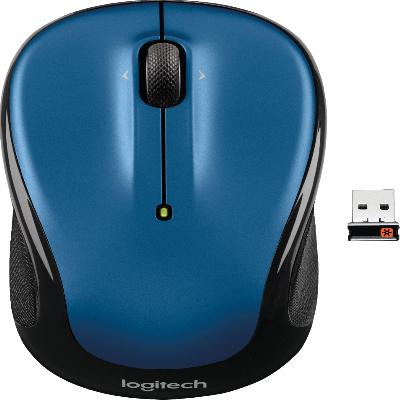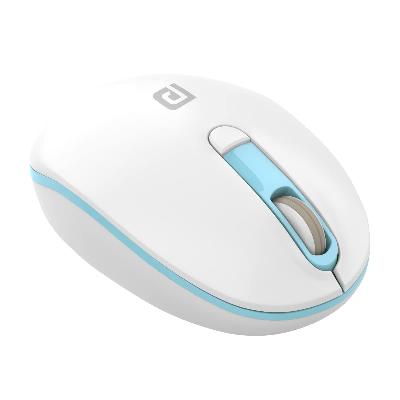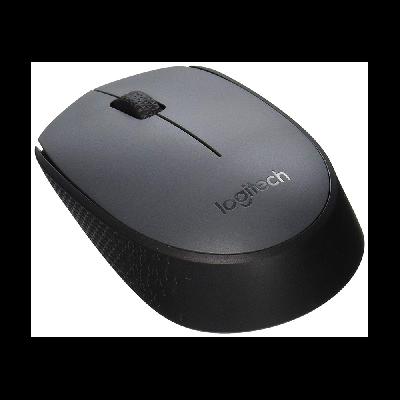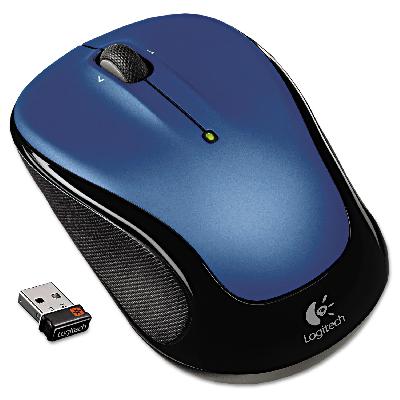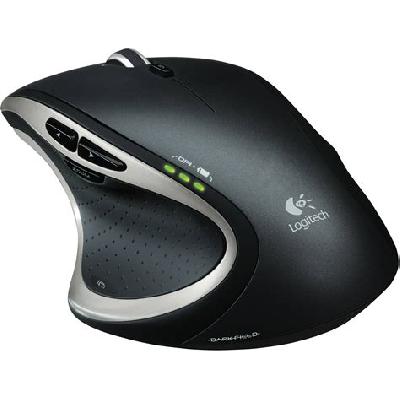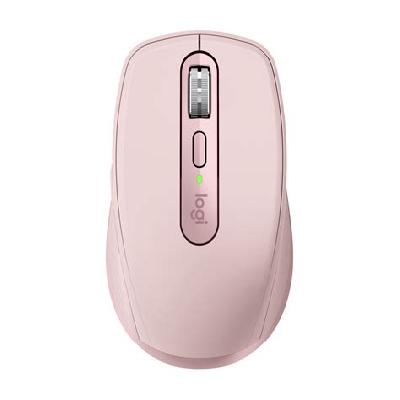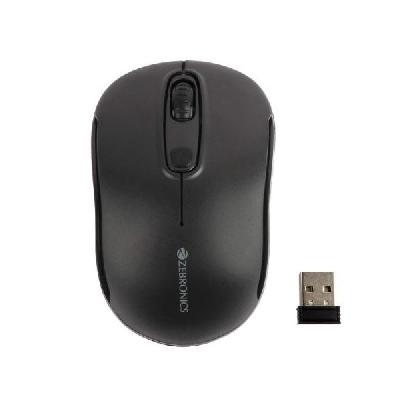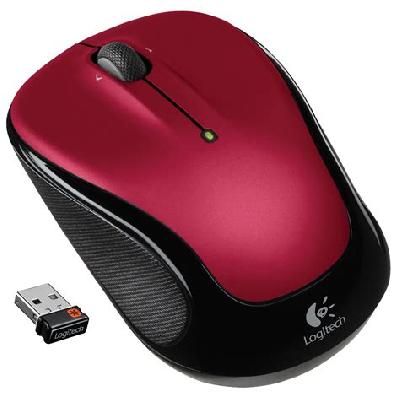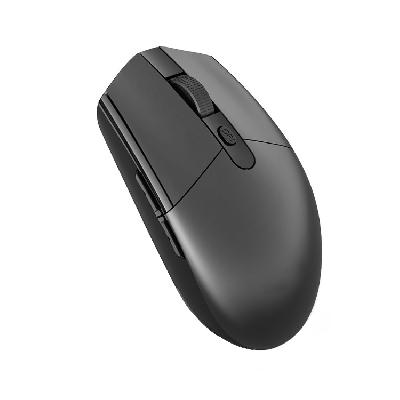
A wireless mouse is a computer input device that uses radio waves or infrared signals to communicate with the computer, allowing users to move the cursor on the screen without being physically connected to the computer.
Where To Use Wireless Mouse
Wireless mice are ideal for use in situations where a physical connection is not possible or convenient, such as:
Using the computer from across the room
Working on a laptop or tablet without a mouse port
Sharing a keyboard and mouse with multiple users
Key Features Of Wireless Mouse
Wireless connectivity via radio waves or infrared signals
Long battery life (up to several months)
Compact and lightweight design
Ergonomic shape for comfortable use
Natural scrolling and precision cursor control
How To Use Wireless Mouse
Turn on the wireless mouse by pressing and holding the power button until it blinks
Pair the wireless mouse with the computer by following the on-screen instructions
Move the cursor on the screen using the wireless mouse
Adjust the sensitivity settings to suit your preference
How Wireless Mouse Is Manufactured
The manufacturing process of wireless mice involves several stages, including:
Design and prototyping
Circuit board design and assembly
Housing and button design
Quality control and testing
Technical Specification Of Wireless Mouse
DPI:
1600
Buttons:
3
Connectivity:
2.4 GHz wireless
Response Time:
1 ms
The technical specifications of the wireless mouse include a resolution of 1600 DPI, three buttons, 2.4 GHz wireless connectivity, and a response time of 1 ms. This ensures accurate and precise cursor control, making it suitable for various applications such as gaming, graphic design, and office work.
Description Of Wireless Mouse
The wireless mouse is a compact and lightweight device that fits comfortably in the hand, allowing users to move the cursor on the screen without being physically connected to the computer.
Related Products & Synonyms Of Wireless Mouse
Some related products to the wireless mouse include: