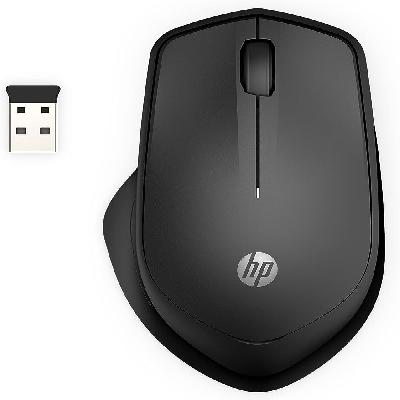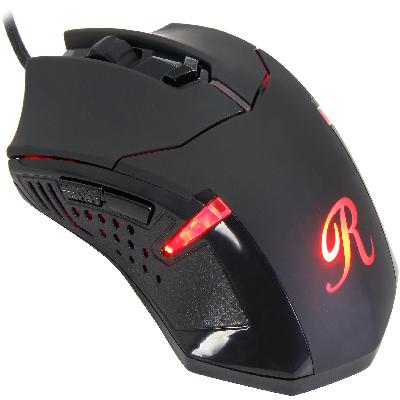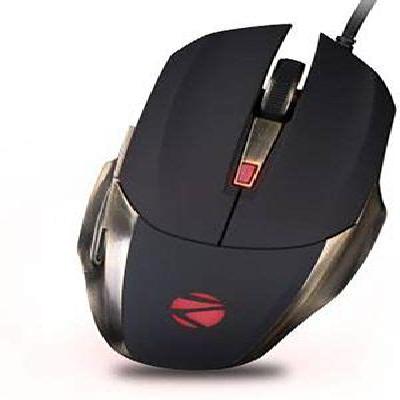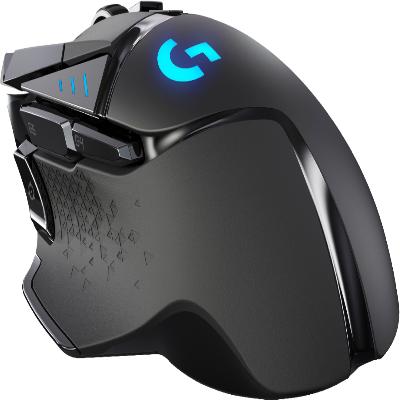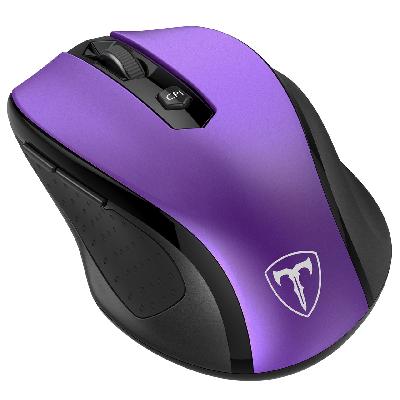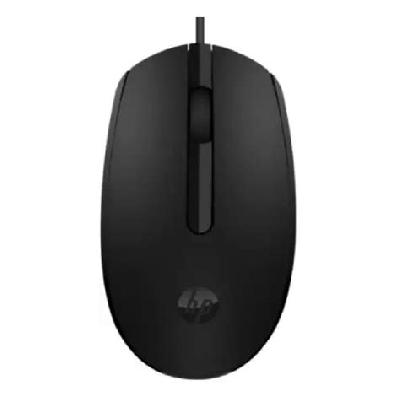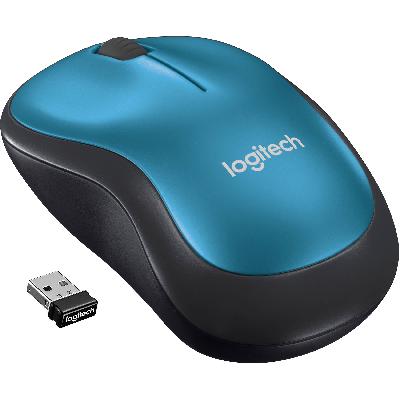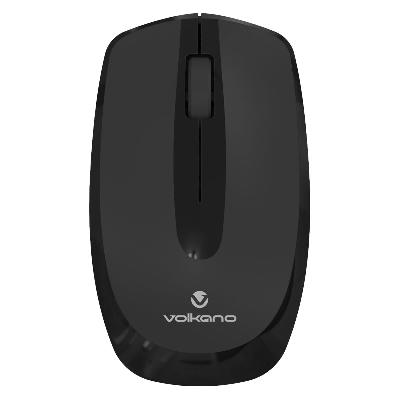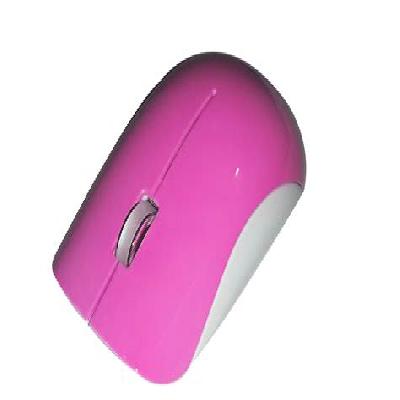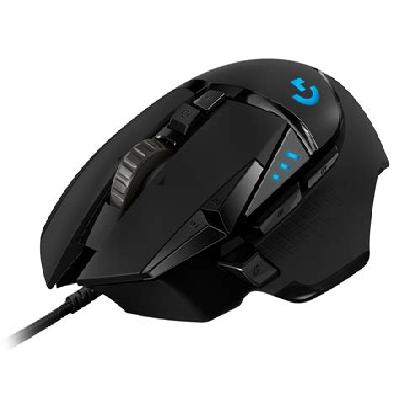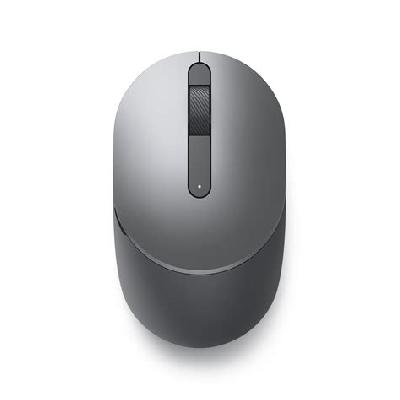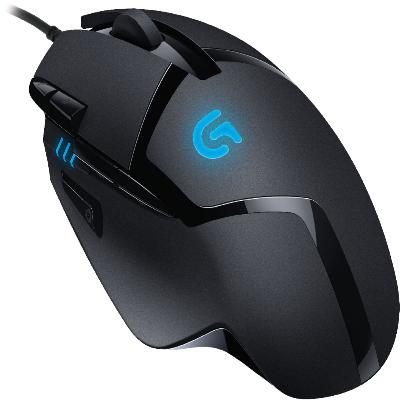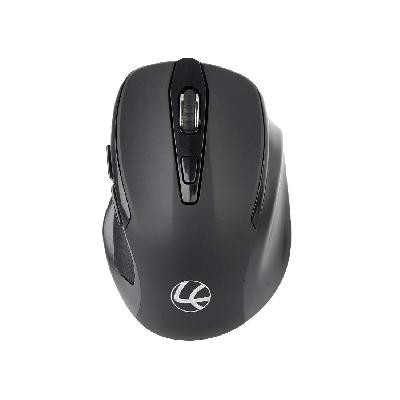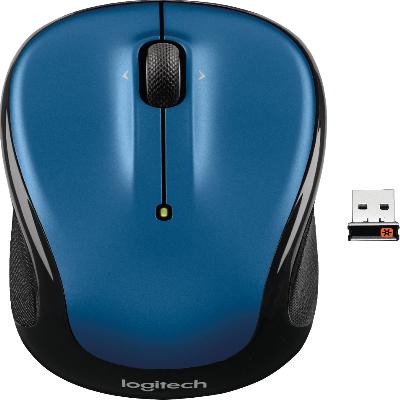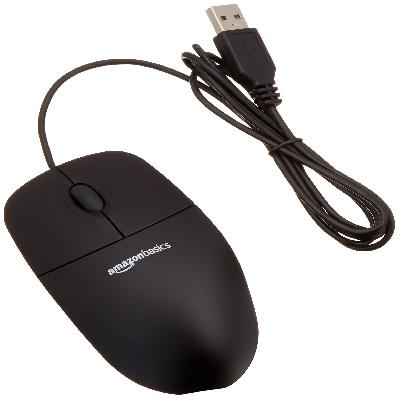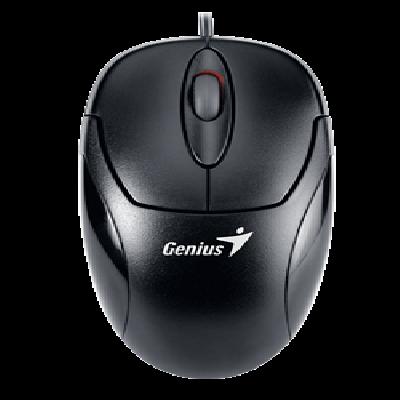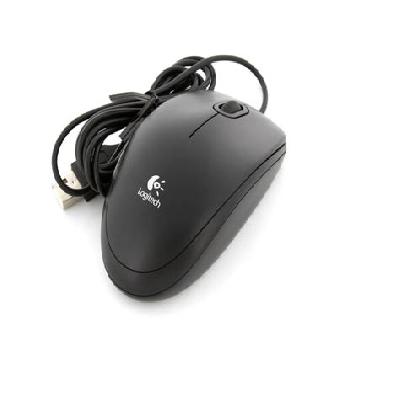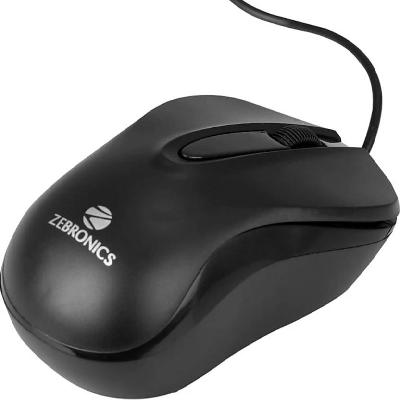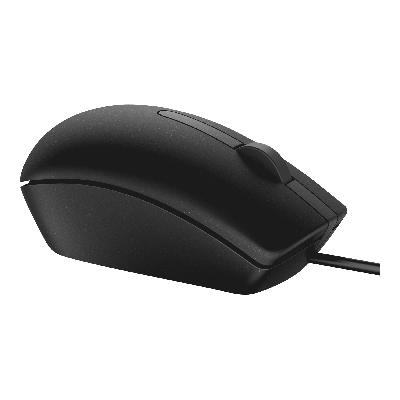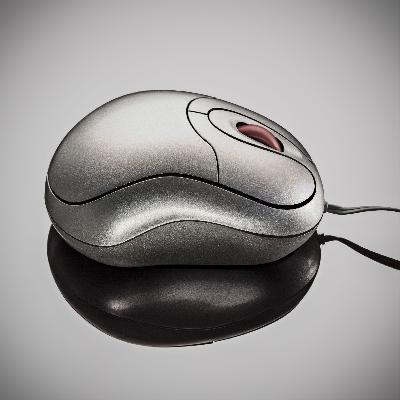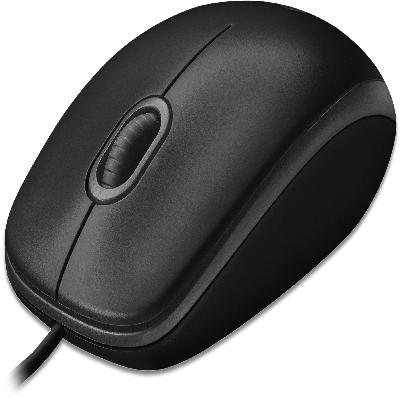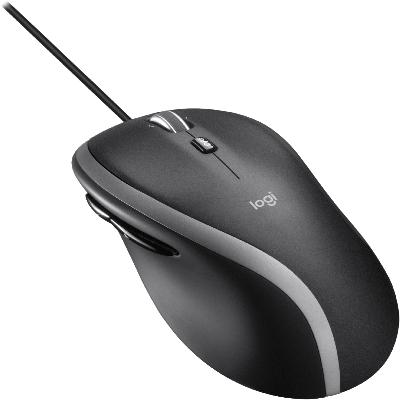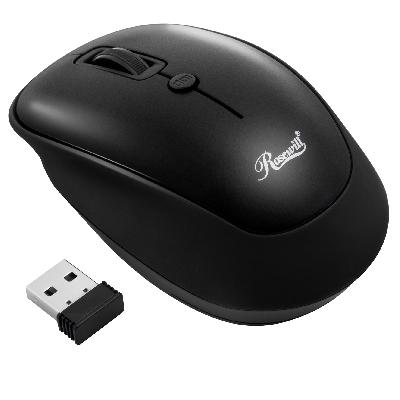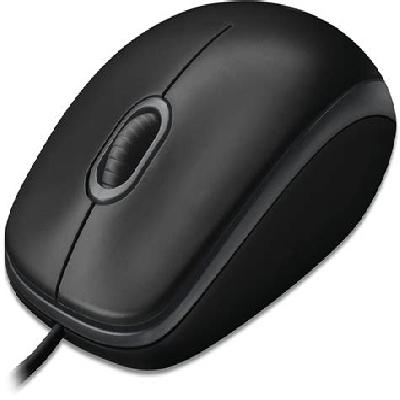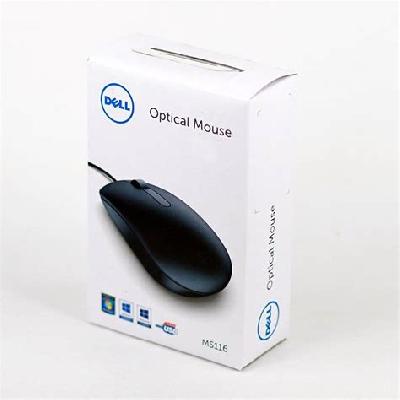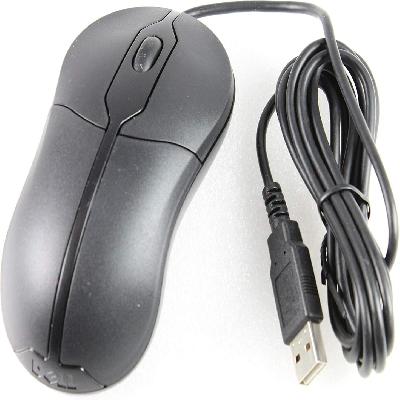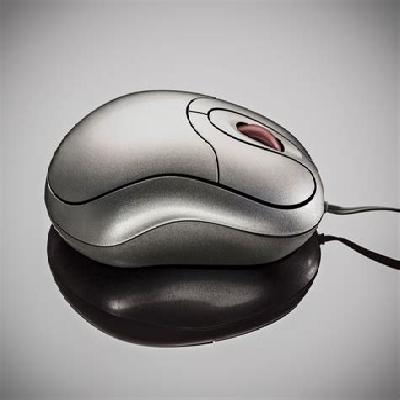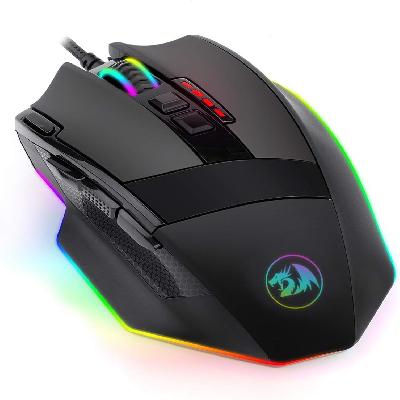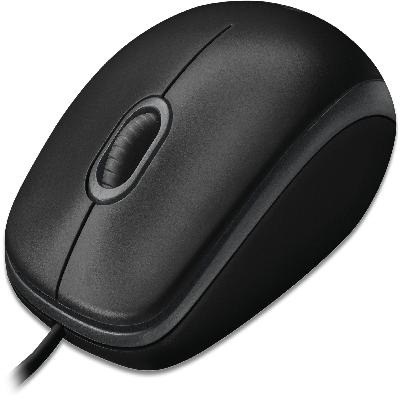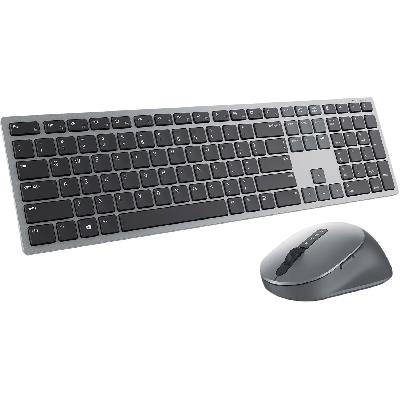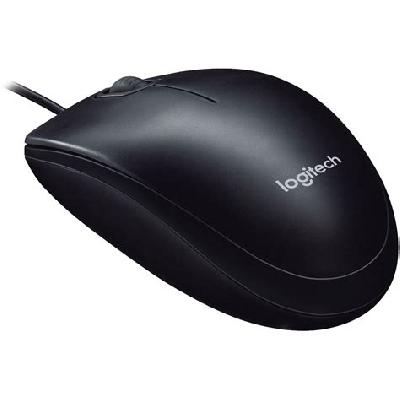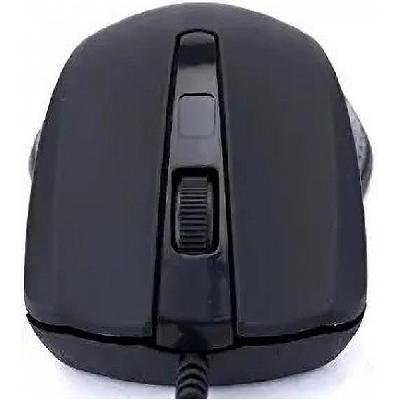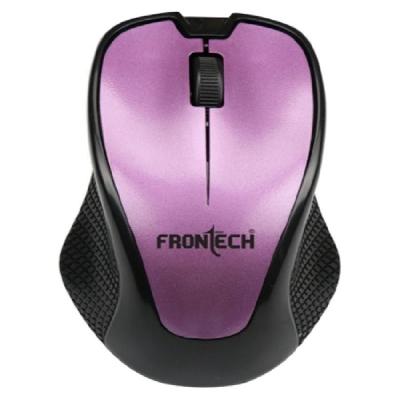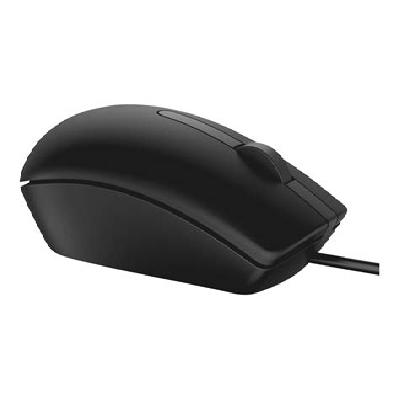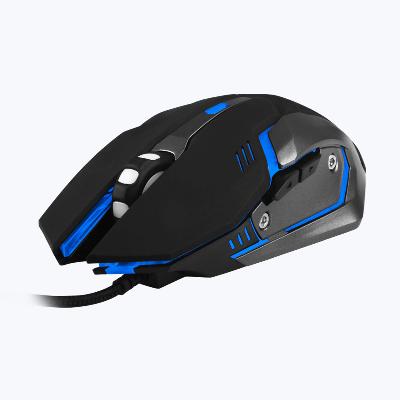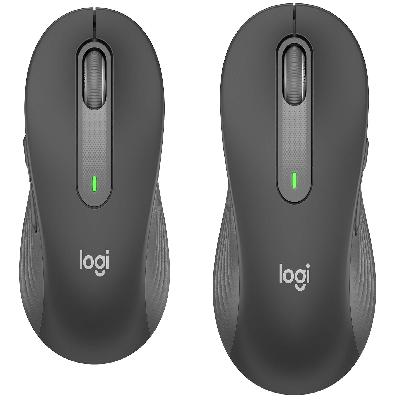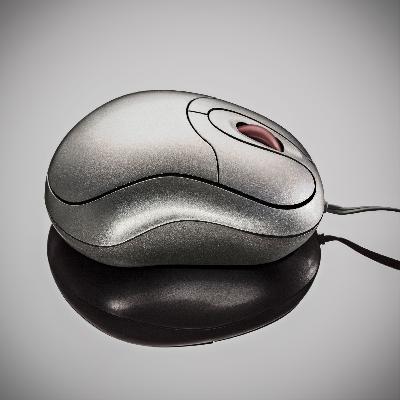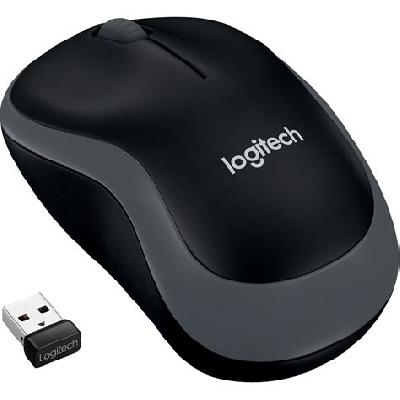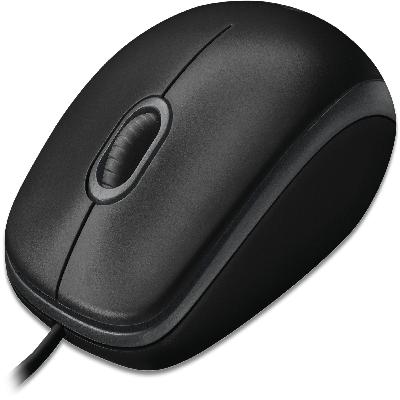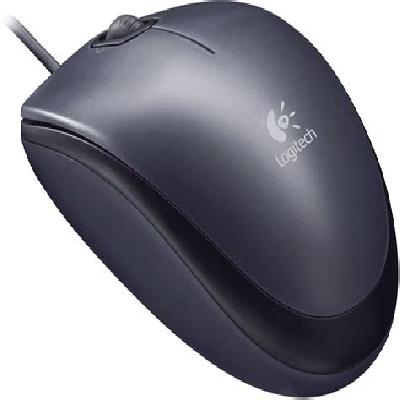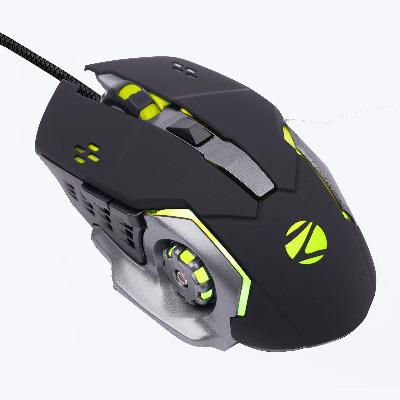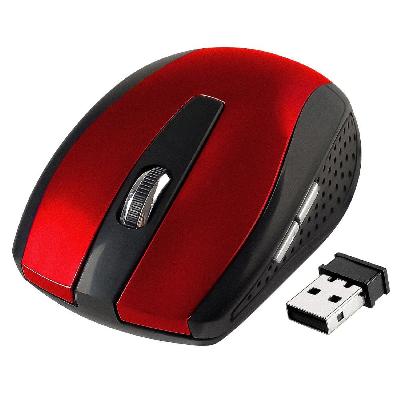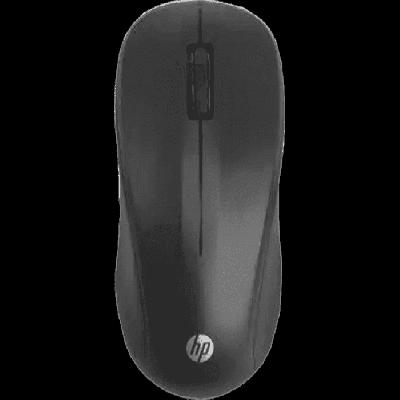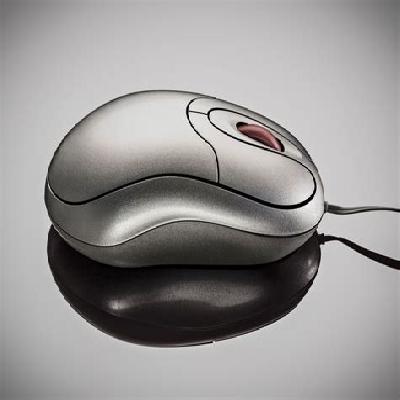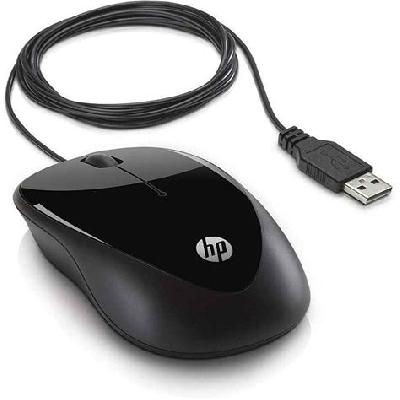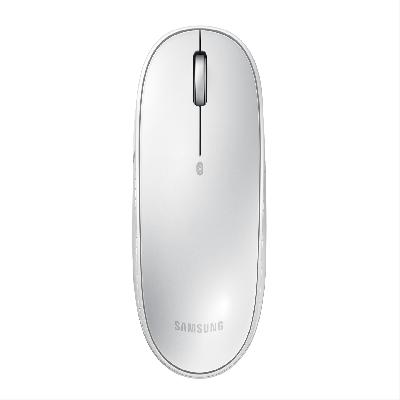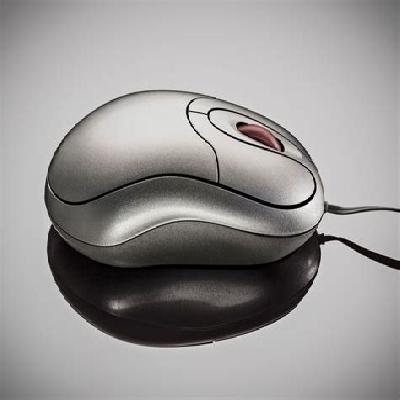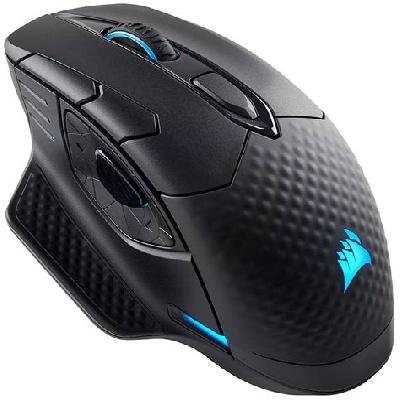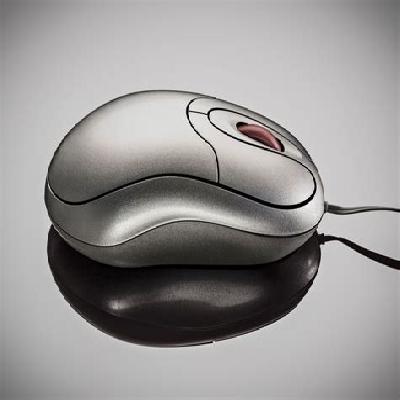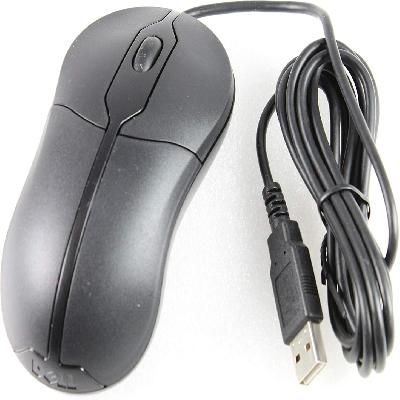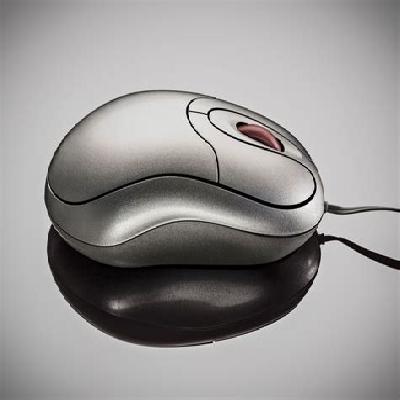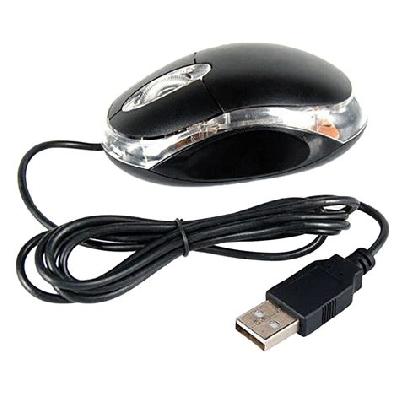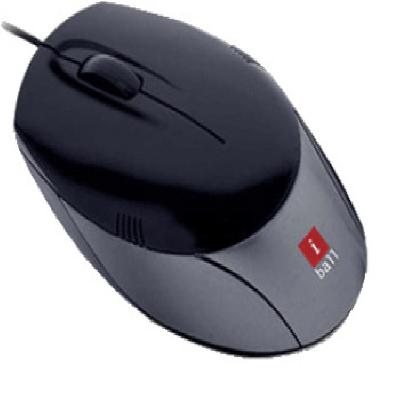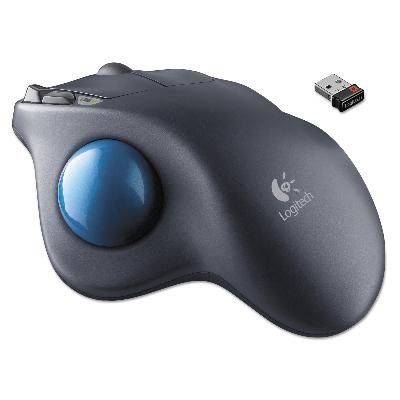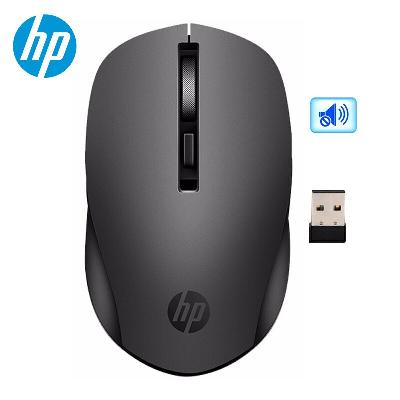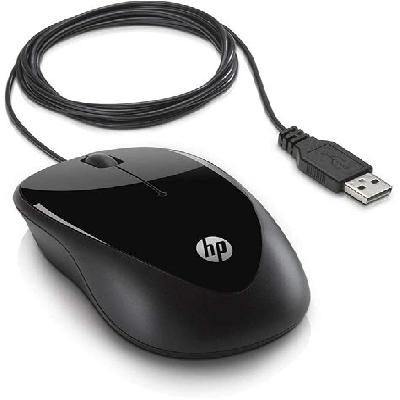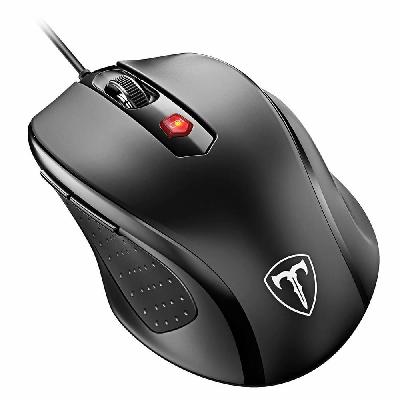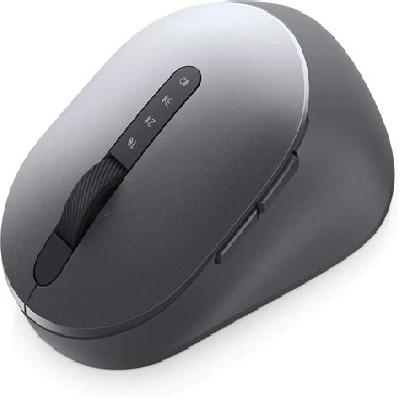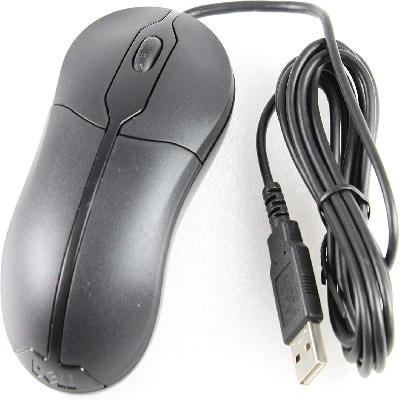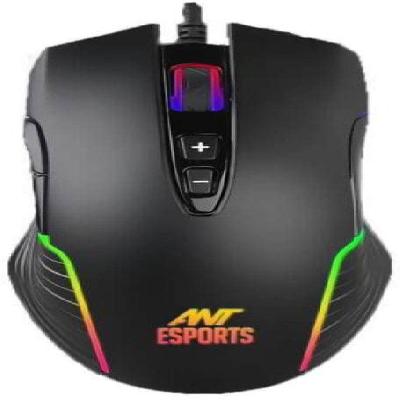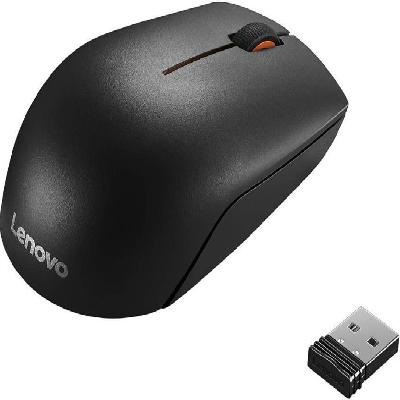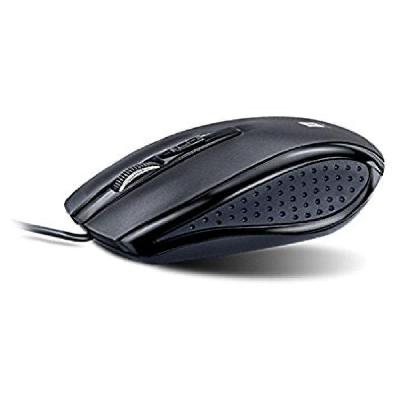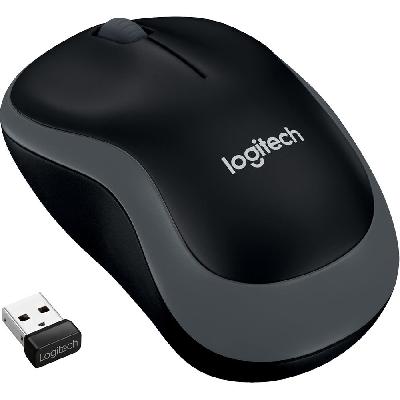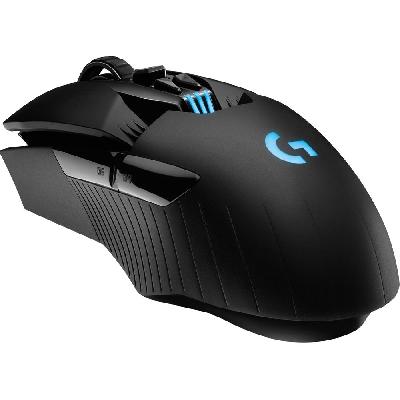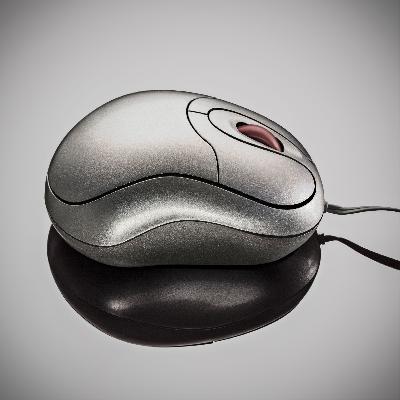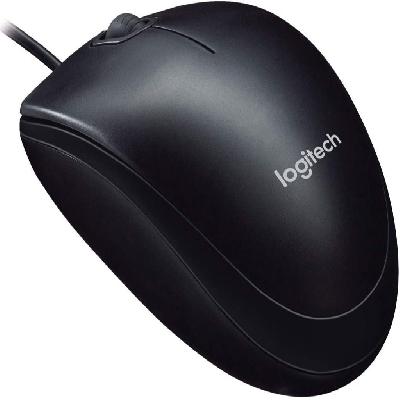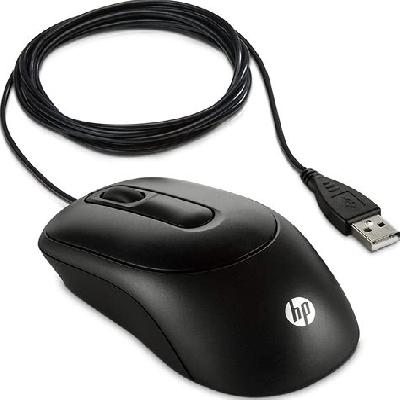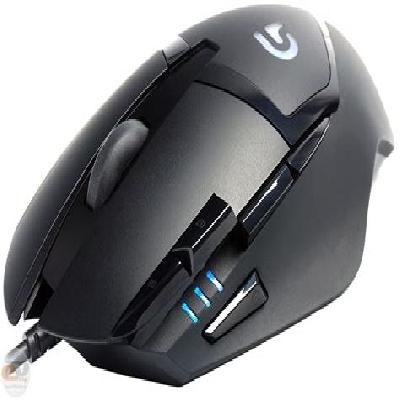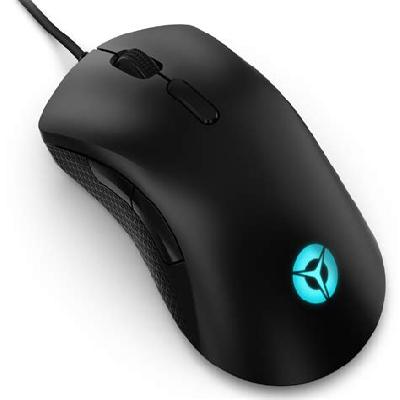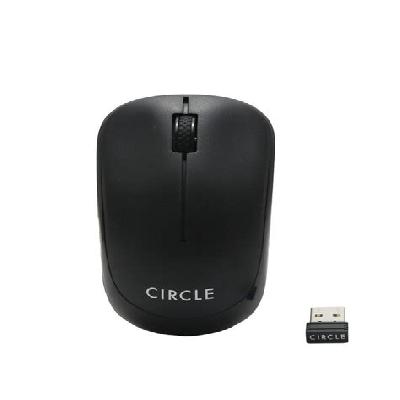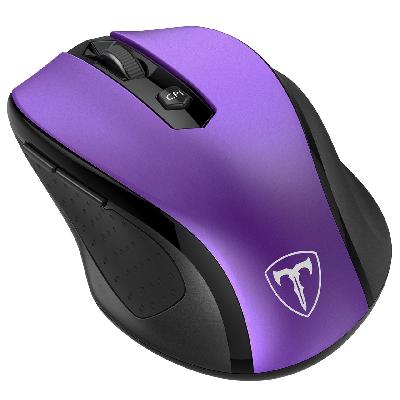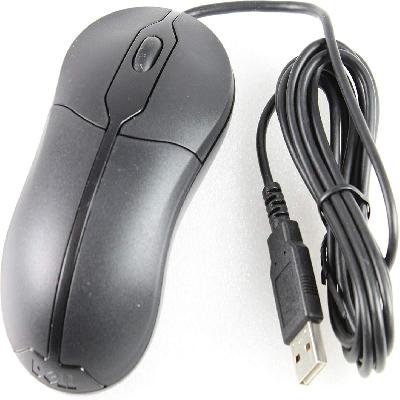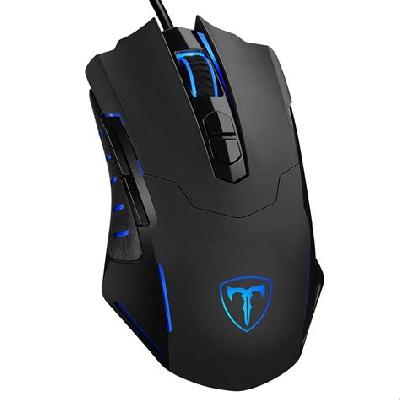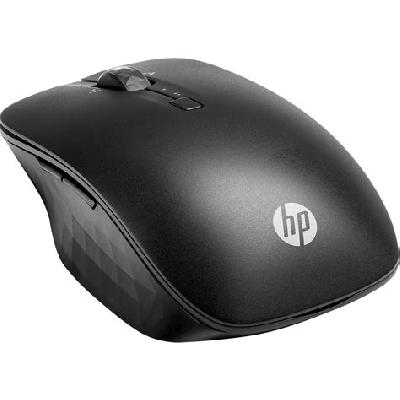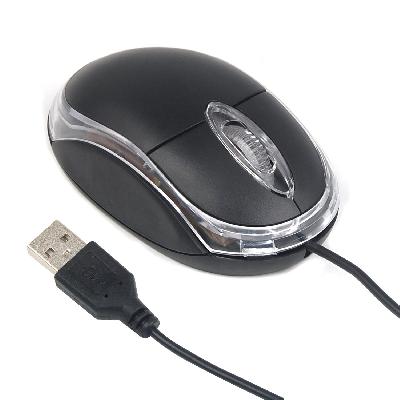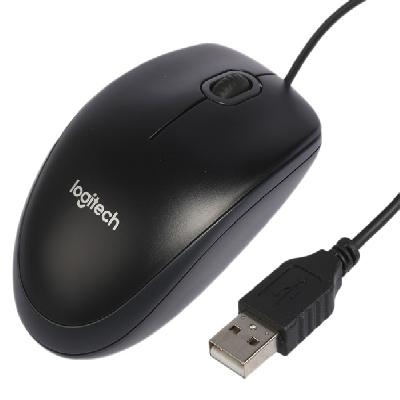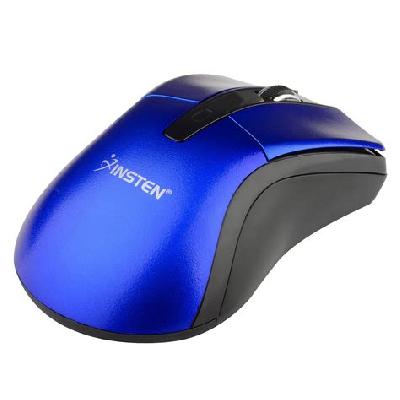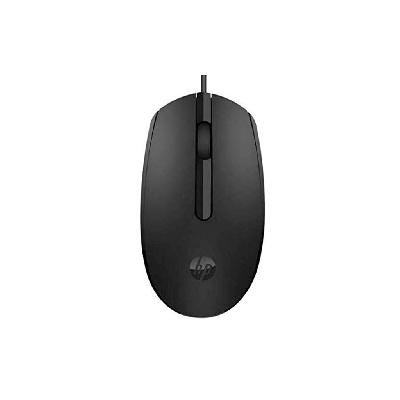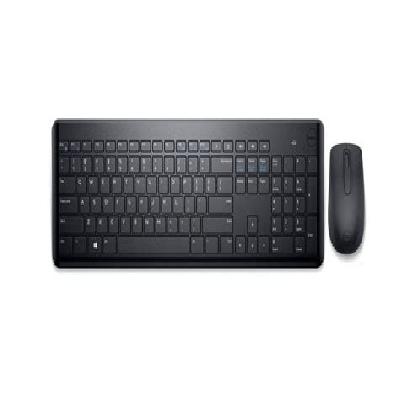
A computer mouse is an input device used for navigating and interacting with graphical user interfaces (GUIs) on computers.
Where To Use Computer Mouse
Computer mice are commonly used in various settings, including offices, homes, and public areas where computers are present.
Key Features Of Computer Mouse
Wired or wireless connectivity options
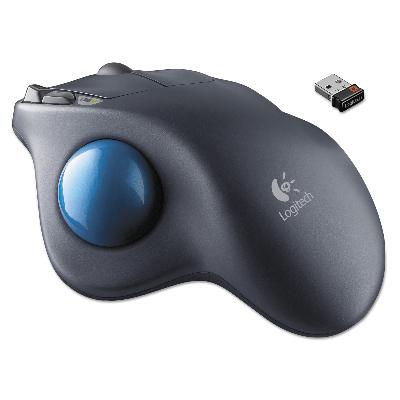
Optical, laser, or trackball sensing technologies
Durable and ergonomic design for comfort
High-precision tracking and accuracy
Customizable buttons and settings
How To Use Computer Mouse
Move the mouse to control the cursor on the screen
Click buttons to select and interact with objects
Scroll through documents or web pages using the scroll wheel
Customize settings and preferences as needed
How Computer Mouse Is Manufactured
Computer mouse manufacturing involves several stages, including design, prototyping, testing, and quality control. Components such as sensors, microcontrollers, and cables are sourced from suppliers before being assembled into the final product.
Technical Specification Of Computer Mouse
Connectivity:
Wireless (2.4GHz or Bluetooth) or Wired (USB)
Number of Buttons:
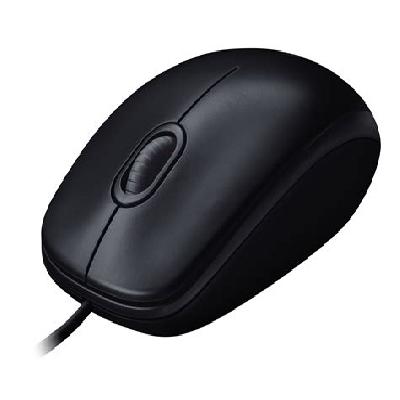
3-5 programmable buttons
Color:
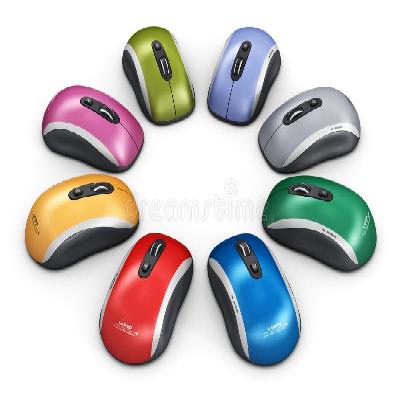
Available in various colors (black, white, red, blue)
Cable Length:
Available in various lengths (1.5m, 2m, 3m)
The technical specifications of a computer mouse can vary depending on the specific model and manufacturer. However, most modern mice are designed to provide high-precision tracking, comfort, and durability. The specifications mentioned above are common in many computer mice available in the market.
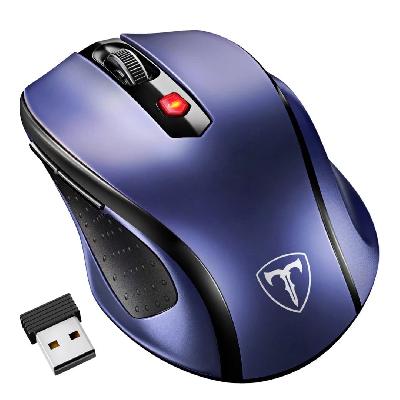
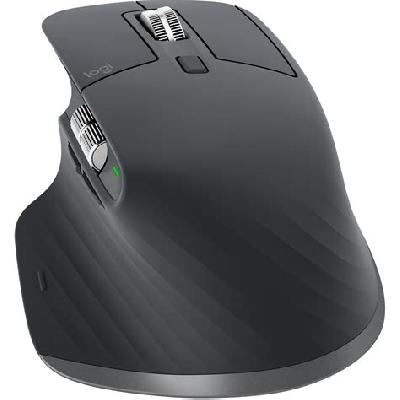
Description Of Computer Mouse
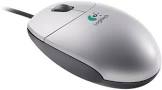
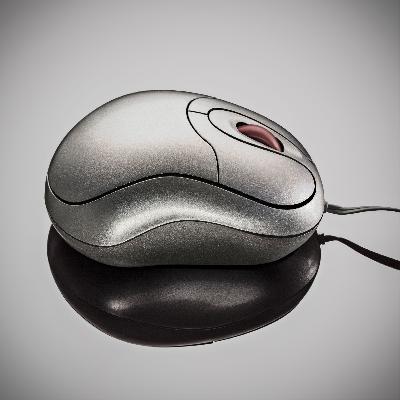
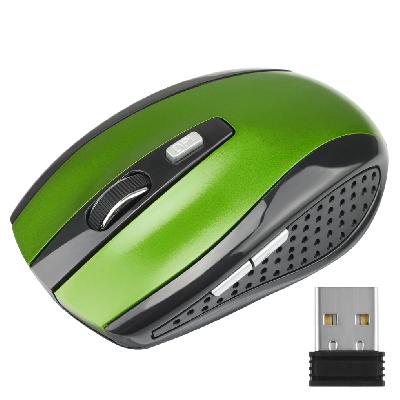
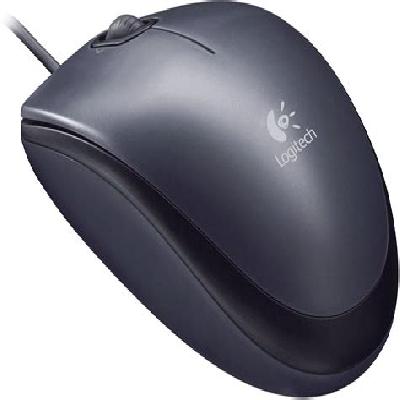
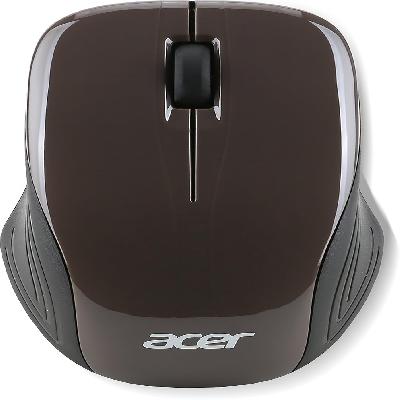
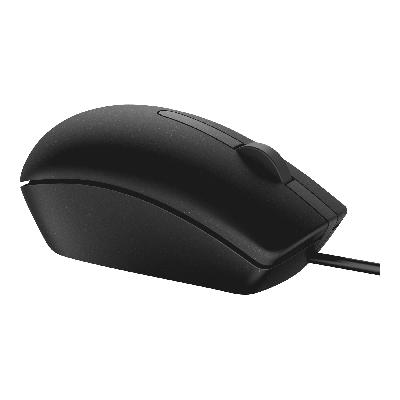
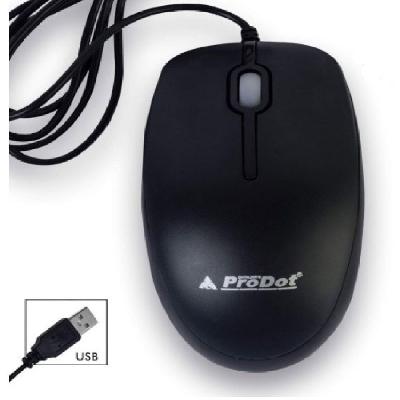
A computer mouse is a small, handheld device used for interacting with computers. It typically consists of a rectangular or oval-shaped body with buttons and a scroll wheel on top.
Related Products & Synonyms Of Computer Mouse
Some related products to computer mouse include:
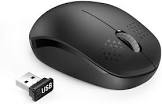
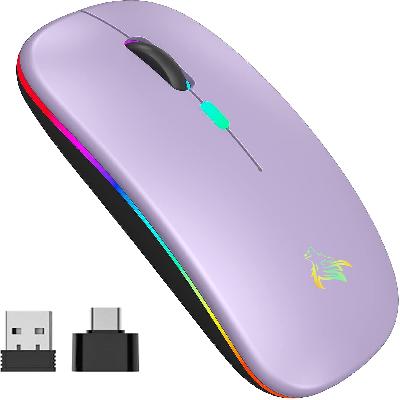
Wireless Mouse: A wireless version of the traditional computer mouse
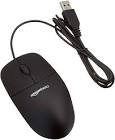
USB Mouse: A mouse that connects to a computer via USB port
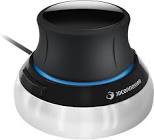
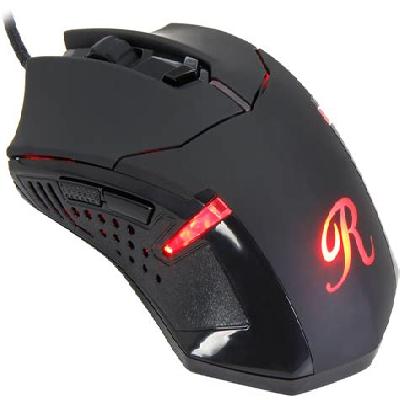
3D Mouse: A specialized mouse designed for 3D modeling and gaming
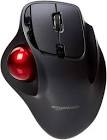
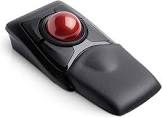
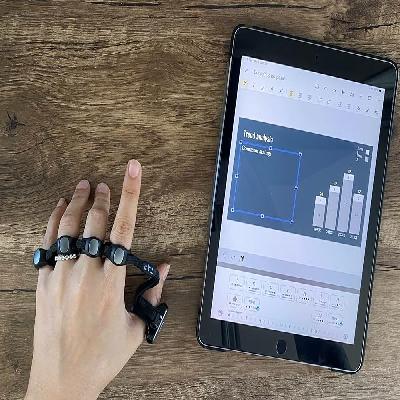
Trackball Mouse: A mouse that uses a trackball instead of buttons for navigation
Mini Optical Mouse: A compact version of the traditional computer mouse
Trackball: A device used to control the cursor on screen, similar to a mouse
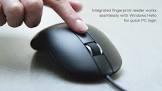
Fingerprint Mouse: A specialized mouse that uses fingerprint recognition technology
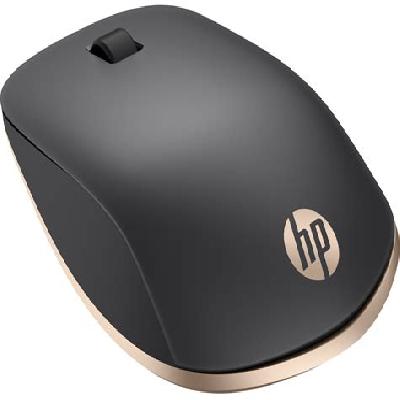
Bluetooth Mouse: A wireless mouse that connects to a computer via Bluetooth
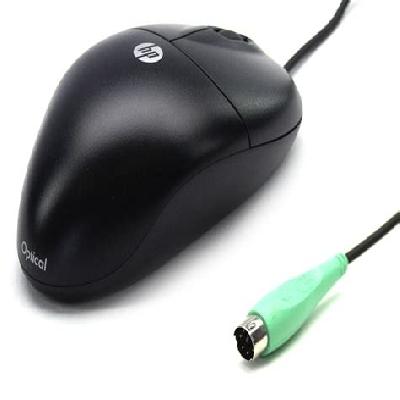
HP Computer Mouse: A specific brand of computer mouse produced by HP